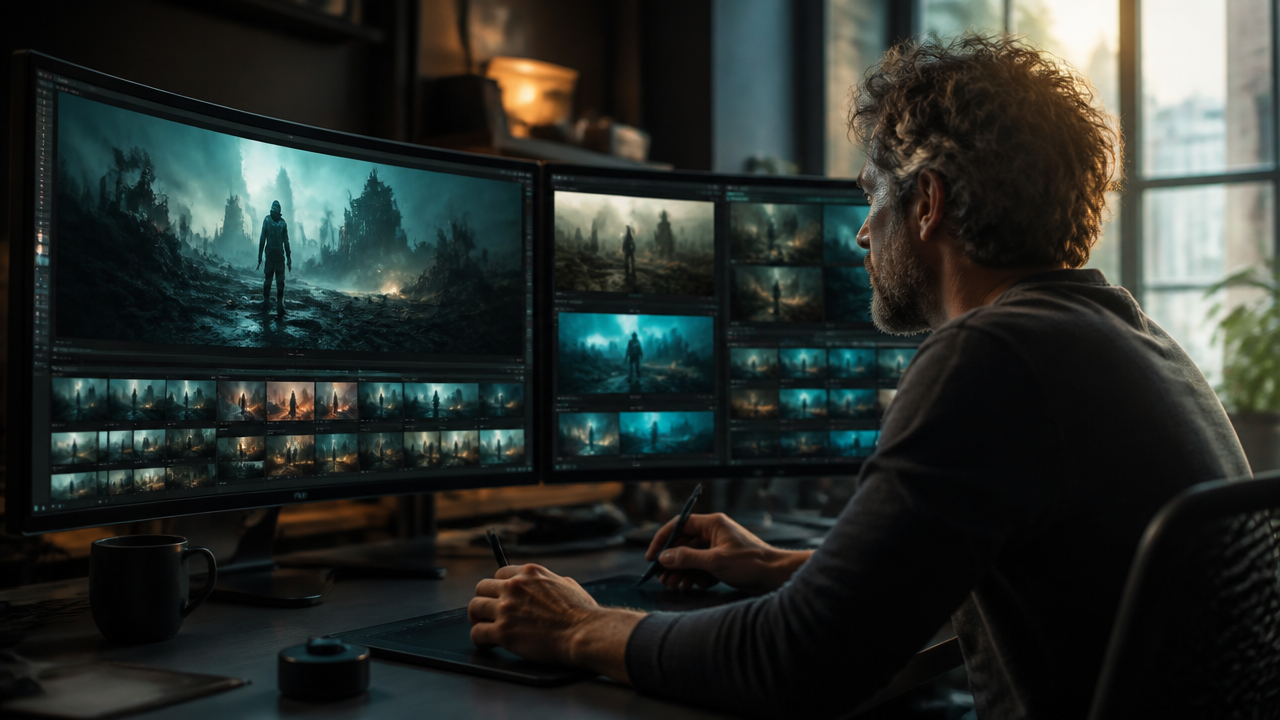
AI Video Generator
- What an AI Video Generator Actually Does
- Where AI Video Generators Fit in a Real Workflow
- Popular AI Video Generator Options to Compare
- How I’d Prompt an AI Video Generator
- Quality, Rights, and Brand Safety
- Conclusion
AI video generators have moved from novelty demos to practical production tools. I wouldn’t hand an entire brand campaign to one and walk away, but I would absolutely use one for concepting, social clips, product explainers, pitch visuals, and fast variations. The best results still come from a clear creative brief, a sharp prompt, and a human editor who knows when to accept, refine, or reject the output.
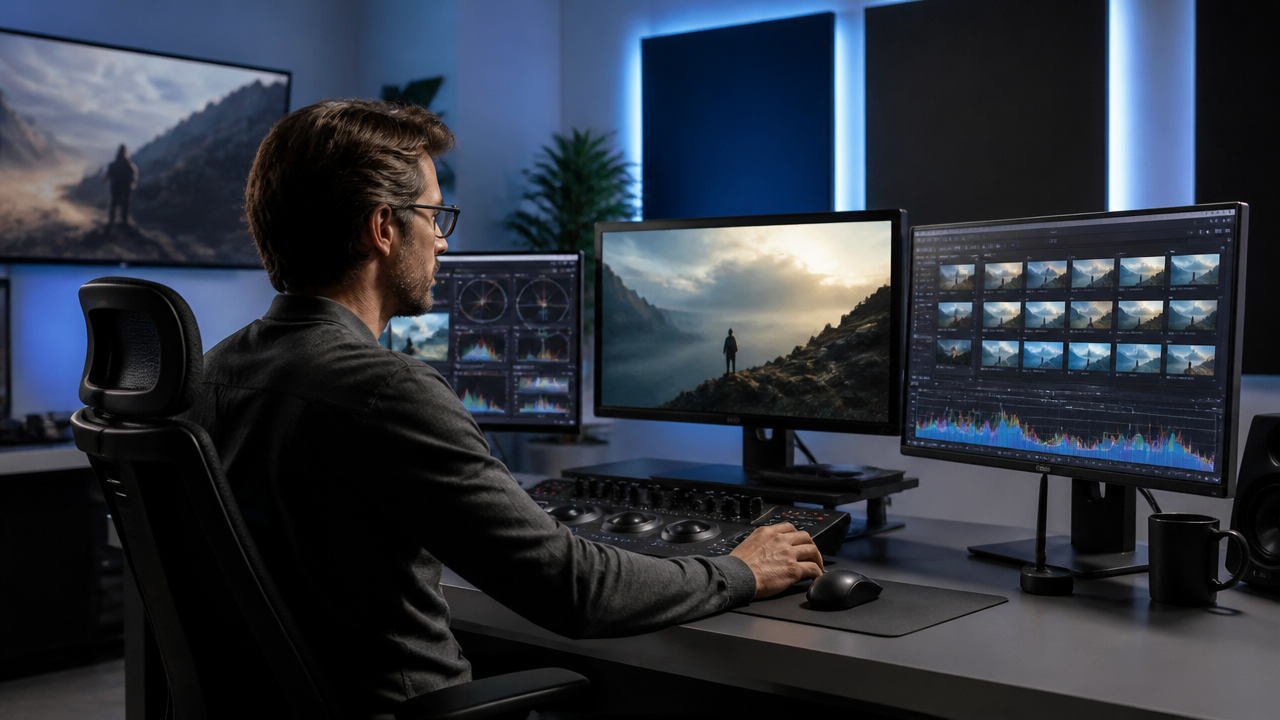
What an AI Video Generator Actually Does
An AI video generator turns a prompt, image, storyboard, or reference asset into moving footage. Depending on the tool, it may create a short clip from text, animate a still image, generate sound effects, extend footage, or help produce different aspect ratios for social media.
For marketers and creators, the real value is speed. Instead of waiting days to see whether a concept works visually, we can test a rough version in minutes. That changes the creative process. I can try five visual directions, compare them with a client or team, and then invest production time in the strongest one.
Current tools vary a lot. Google’s Veo documentation, for example, lists support for text-to-video, image-to-video, first-and-last-frame generation, 720p and 1080p output, and 4, 6, or 8 second video lengths for Veo 3.1. That kind of specification matters because “AI video generator” can mean very different things depending on the platform. (docs.cloud.google.com)
Where AI Video Generators Fit in a Real Workflow
I see AI video generation working best as part of a production pipeline, not as a total replacement for planning, editing, and creative direction.
A practical workflow might look like this:
- Creative brief: Define the audience, message, format, and success metric.
- Script or shot list: Write the core scenes before opening the tool.
- Prompting: Generate short clips for each scene.
- Selection: Pick only the clips that match the brand and story.
- Editing: Add pacing, transitions, voiceover, captions, music, and color correction.
- Review: Check rights, accuracy, consistency, and accessibility.
- Distribution: Export versions for YouTube, LinkedIn, TikTok, ads, or internal use.
Here’s the simple breakdown I use when deciding whether an AI video generator belongs in a project:
| Use Case | Good Fit? | Why |
|---|---|---|
| Social media concept clips | Yes | Fast testing and easy variation |
| Product teaser visuals | Yes | Useful for mood, pacing, and style |
| Training videos | Sometimes | Works best with human review and clear narration |
| Legal, medical, or financial explainers | Carefully | Accuracy and compliance need expert review |
| Full polished brand film | Sometimes | Usually needs editing, live action, or motion design support |
Popular AI Video Generator Options to Compare
The market changes quickly, so I’d never choose a platform based on hype alone. I’d test the tool with real prompts, check export quality, review commercial terms, and confirm whether the features I need are actually available on my plan.
| Tool | Best For | Notes |
|---|---|---|
| Google Veo on Vertex AI | Developers, enterprise workflows, structured API use | Veo supports video generation from prompts and images through Vertex AI, with model-specific limits and capabilities documented by Google. (cloud.google.com) |
| Runway Gen-4 | Creative teams, editors, visual experimentation | Runway describes Gen-4 as a model for controllable video generation that can work alongside live action, animation, and VFX workflows. (help.runwayml.com) |
| Adobe Firefly Video Model | Designers, Adobe users, brand-safe production | Adobe positions Firefly Video Model around text-to-video, image-to-video, and commercially safe creative workflows. (news.adobe.com) |
| OpenAI Sora | Natural language video generation research and experimentation | OpenAI’s Sora documentation has described video generation from natural language or images with audio, but availability has shifted, so I’d verify current access before planning around it. (platform.openai.com) |
If I were building a marketing workflow today, I’d shortlist two or three tools rather than betting on one. For example, I might use Firefly if my team already lives in Adobe apps, Runway for fast visual prototyping, and Veo through Vertex AI if I need API access inside a larger system.
How I’d Prompt an AI Video Generator
Weak prompt:
“Create a video of a coffee shop.”
Better prompt:
“Create an 8-second cinematic shot inside a quiet neighborhood coffee shop at sunrise. A barista pours steamed milk into a ceramic cup on a wooden counter. Soft golden light comes through the window, shallow depth of field, realistic camera movement, warm and calm mood.”
The second prompt works better because it gives the model concrete direction. I usually include:
- Subject: Who or what is in the scene.
- Setting: Location, time of day, and atmosphere.
- Action: What changes during the clip.
- Camera direction: Close-up, wide shot, slow push-in, handheld, overhead.
- Style: Documentary, cinematic, product commercial, animated, realistic.
- Constraints: No extra people, no distorted hands, no logos, no sudden cuts.
For brand work, I also write a negative prompt or rejection checklist. If the generated clip shows off-brand colors, fake product details, strange anatomy, or confusing motion, I don’t try to force it. I regenerate or move to another production method.
Quality, Rights, and Brand Safety
AI video can look impressive at first glance and still fail on the details. Faces may shift, hands may warp, objects may appear or disappear, and brand elements may drift between frames. That’s why I treat every output as a draft until it passes review.
I’d check four things before publishing:
- Accuracy: Does the clip show the product, process, or claim correctly?
- Consistency: Do characters, objects, lighting, and style hold together?
- Usage rights: Are the tool’s commercial terms suitable for this project?
- Disclosure and trust: Should the audience know AI was used?
Adobe, for instance, emphasizes commercially safe positioning for Firefly, which may matter for teams that need clearer enterprise review paths. (blog.adobe.com) But no tool removes the need for legal, brand, and editorial judgment.
Conclusion
An AI video generator is best understood as a creative accelerator. It helps us move from idea to visual proof faster, test more directions, and produce short-form assets with less friction. But the strongest results still come from human taste, planning, editing, and review.
My advice is simple: start with one narrow use case. Create a few test clips, measure the time saved, review the quality honestly, and build a repeatable workflow before using AI-generated video in larger campaigns.
If you’re ready to try AI video generation, pick one campaign idea, write a short shot list, and test two tools side by side. You’ll learn more from one focused experiment than from a week of reading feature pages.

 MagicEdit