
Designkit AI Video Platform Launch: How Creators Can Turn Product Photos into Marketing Videos
| Section | Topic |
|---|---|
| Understanding Designkit AI and Image-to-Video Engine | Launch breakdown and motion synthesis |
| Prompting Workflows for Lighting, Shadows, and UGC Clips | Fine-tuning environment assets |
| Multi-Aspect Formatting and Batch Processing for E-Commerce | Scaling catalog renders across channels |
| Frequently Asked Questions About AI Video Creation | Answers to key creator questions |
| Conclusion | Final takeaway for store owners |
On August 17, 2026, Designkit officially launched its AI video platform to solve one of the biggest headaches in digital retail: converting static catalog pictures into active commercial clips. An AI Video Generator uses modern computer vision models to transform quiet still photos into high-definition video footage without booking studio shoots or hiring editing crews. We spent time testing the release this week to see how it reshapes production speed for modern sellers.
Understanding Designkit AI and Image-to-Video Engine
Designkit AI built this feature set specifically for digital storefronts that need continuous video output. When you upload a flat photograph, its product image to video algorithms separate the central product from its backdrop. The software estimates three-dimensional spatial depth, calculates light reflections, and projects smooth camera motion around the item.
We tested these renders alongside general video platforms like Adobe Firefly and MagicEditAI's AI Video Generator. While open-ended text generators often distort specific brand details, Designkit maintains product geometry. The packaging text, brand logo, and structural shape remain fixed while background elements, lighting shifts, and camera paths move naturally around the frame.
Prompting Workflows for Lighting, Shadows, and UGC Clips
Getting high-converting ad footage requires detailed social media video prompts. Instead of typing basic requests, focus on specifying light sources, surface materials, and contact shadows. Writing "soft morning window light, realistic contact shadow on matte concrete, subtle background camera drift" gives the model exact instructions for physical realism.
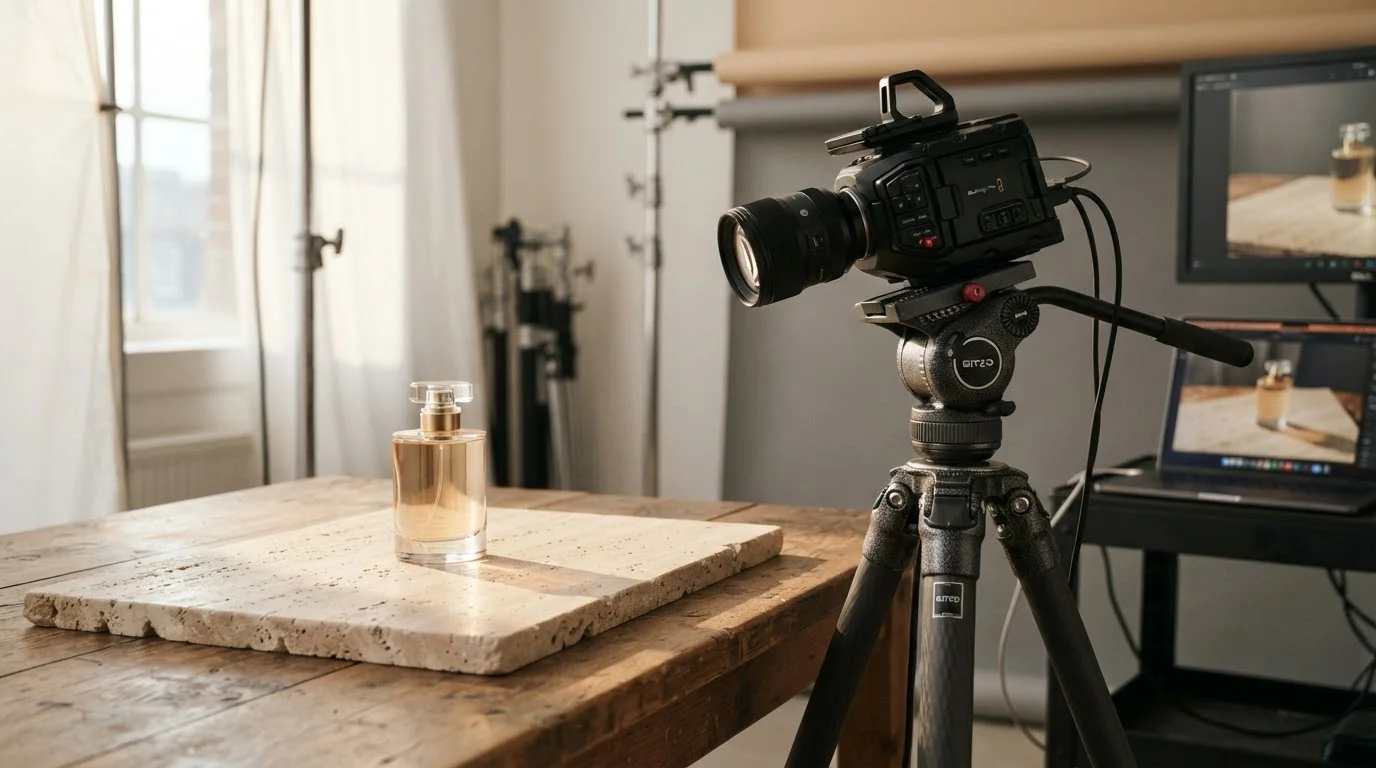
These controls make it easy to operate a UGC video generator pipeline. By prompting casual home environments, like a sunlit kitchen table or marble vanity, you can convert studio snapshots into relatable user-style footage. You can also burn text overlays and call-to-action buttons directly into the render sequence so the final MP4 files are ready to upload into campaign managers.
Multi-Aspect Formatting and Batch Processing for E-Commerce
Effective e-commerce video creation means producing multiple aspect ratios for every single product line. A vertical layout designed for mobile feeds looks awkward on a desktop landing page banner.
Designkit handles batch video rendering across full product catalogs. Instead of setting up prompts for every individual item, you can apply master lighting styles and motion trajectories across 50 SKUs at once. It works as an automated AI video ad maker, ensuring your brand visuals stay uniform across entire store collections.
Here is how different aspect ratios compare for modern campaign channels:
| Aspect Ratio | Target Channel | Recommended Motion | Primary Objective |
|---|---|---|---|
| 9:16 Vertical | TikTok, Instagram Reels, YouTube Shorts | Fast camera pan, dynamic zoom | Direct-response mobile ads |
| 1:1 Square | Facebook Feed, Instagram Carousel | Gentle 360-degree rotation | Organic social catalog posts |
| 16:9 Widescreen | Desktop Storefront, YouTube Video | Slow horizontal slide, soft drift | Hero website headers |
Frequently Asked Questions About AI Video Creation
Can ChatGPT Create AI Videos Directly?
No, ChatGPT cannot render raw video files directly. It serves as an assistant for drafting video scripts, writing scene outlines, and organizing detailed prompts that you paste into video tools.
What Is the Best Free AI Video Generator?
Most platforms offer free trial credits instead of permanent free access. Tools like Canva and Adobe Firefly provide starter credits, while specialized AI Video Generator tools let you test visual quality on sample assets before picking a plan.
Is VideoGPT Free to Use?
VideoGPT provides a basic trial tier that includes watermarked outputs and restricted export resolutions. Getting full commercial rights and clean high-definition exports requires a paid membership.
What Is the Most Realistic AI Video Creator Available Today?
Advanced engines like Veo 3.1, Sora, and Runway deliver top-tier visual accuracy. If you want a detailed look at how these platforms stack up, check out our guide on Synthesia AI Video Generator vs Sora, Veo 3.1, and Runway to pick the right engine for your visual assets.
Conclusion
Designkit's release gives online stores a direct path from still catalog photos to campaign-ready marketing videos. By automating lighting, camera motion, and aspect ratio formatting, creators can test new video ads in minutes while maintaining complete visual consistency across their entire store catalog.
Ready to upgrade your media production? Try the free trial on MagicEditAI today to create your first edited image or AI-generated video.

 MagicEdit