FLUX 3 First Look: How to Prompt the New Multimodal AI Video and Audio Model
- What Makes FLUX 3 a Breakthrough for Multimodal AI Video
- How to Craft the Ultimate FLUX 3 Prompt
- FLUX 3 vs Previous Generation AI Models
- Best Practices for Professional AI Media Production
- Conclusion
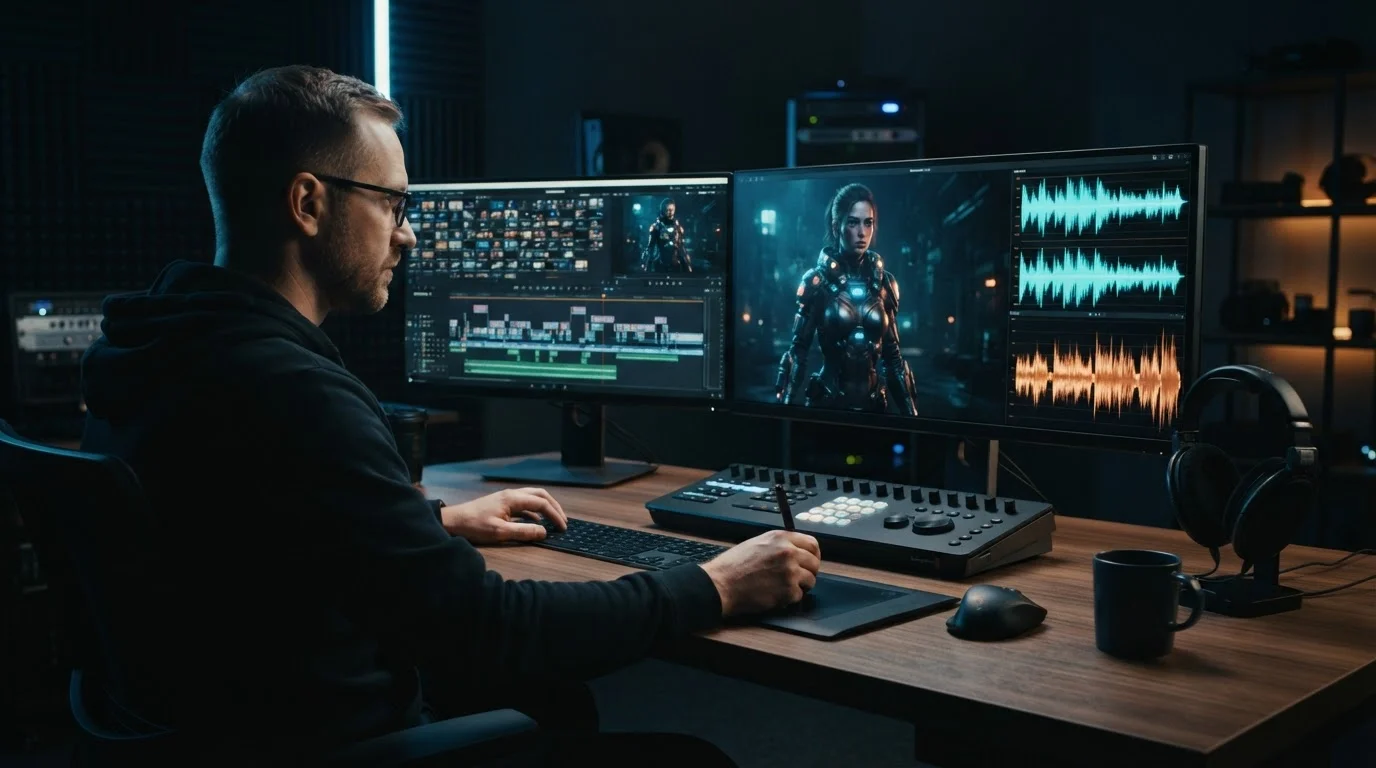
Black Forest Labs officially opened early access for FLUX 3 AI on July 24, 2026, and it fundamentally changes how we approach video generation [1]. Instead of generating short, silent loops that require hours of audio alignment in post-production, the FLUX 3 AI engine generates complete 20-second video clips with natively synchronized dialogue, ambient sound, and background scoring. We spent the past week putting FLUX 3 early access through its paces to see how it handles complex creative direction.
What Makes FLUX 3 a Breakthrough for Multimodal AI Video
The biggest upgrade in FLUX 3 centers on true multimodal video generation. Older engines treat visual generation and audio creation as separate pipelines. FLUX 3 processes visual frames and audio tokens together within a unified transformer architecture. This means when a character speaks, footfalls land on pavement, or glass shatters, the audio timing aligns with frame-level accuracy.
Another massive shift is reference control. FLUX 3 accepts up to 10 image reference inputs simultaneously. In practice, this solves the visual drift problem that plagued earlier generation tools. You can feed the model three character turnarounds, four environment angles, and three lighting mood boards before writing a single prompt sentence. The engine maintains character faces, costume details, and set design across an entire 20-second sequence.
How to Craft the Ultimate FLUX 3 Prompt
To get predictable results, you need to structure your inputs intentionally. Think of a FLUX 3 prompt as a production call sheet where you direct camera movement, action, and sound design in one unified block.
Here is the exact structure we use for an effective image to video prompt:
- Reference Mapping: Direct the model to your uploaded assets (for example, "Subject: Image 1, Setting: Image 4").
- Visual Scene and Action: Describe camera motion, subject movement, and lighting changes ("Slow push-in on subject turning toward camera").
- Audio Blueprint: Specify spoken lines, ambient noise, and musical cues ("Audio: Crisp footsteps on gravel, fading wind, dialogue: 'We made it' in a calm voice").
When working with existing footage, you can use reference frames to perform targeted video editing. By feeding a source video frame alongside a new style reference, you can swap costumes, alter atmospheric weather, or update set dressing without breaking character performance or camera trajectory.
FLUX 3 vs Previous Generation AI Models
To see where FLUX 3 sits in the current landscape, let's look at how its core capabilities compare against established video generation platforms.
| Feature or Metric | Legacy Models (2024-2025) | Recent Generation (Sora, Veo 3.1) | FLUX 3 AI |
|---|---|---|---|
| Max Native Clip Length | 4 to 8 seconds | 10 to 15 seconds | 20 seconds |
| Audio Generation | None (Silent video) | Separate post-process audio | Native synchronized AI video with audio |
| Reference Image Inputs | 1 to 2 images | 1 to 3 images | Up to 10 reference inputs |
| Character and Style Consistency | Moderate visual drift | High consistency with single subject | High consistency across multi-asset scenes |
| Multimodal Prompting | Text-only or Image-to-Video | Text and Image | Integrated Text, Image, Audio, and Video |
While platforms like Sora and Veo 3.1 raised the bar for realistic physics, FLUX 3 advances creative workflows by making audio and multi-image consistency core components of the generation step. If you want to dive deeper into how different engines compare, check out our detailed comparison of models like Sora, Veo 3.1, and Runway.
Best Practices for Professional AI Media Production
Integrating a new model into your project pipeline requires a few tactical adjustments to maximize speed and output quality. Here are three practical tips for your workflow:
- Lock your visual anchors first. Upload clear reference images for every recurring element before tweaking text prompts. This ensures visual stability before you attempt complex audio synchronization.
- Write audio cues explicitly. Do not assume the model knows what a scene sounds like. Mention background hums, footsteps, or reverberation to anchor the native sound engine.
- Edit in modular passes. Generate 20-second beat sequences rather than trying to fit an entire narrative into one generation cycle.
Using a versatile AI Video Generator platform allows you to stitch these clips together, apply instant voiceovers, and fine-tune visual styles without hopping across multiple apps. Streamlining your setup keeps your energy focused on storytelling rather than technical troubleshooting.
Conclusion
The release of FLUX 3 demonstrates how fast generative video is evolving. By combining extended clip lengths, native audio synchronization, and multi-reference consistency into one model, creators now have unprecedented control over AI media production. Mastering multimodal prompting today gives you a distinct advantage as video workflows become fully dynamic and prompt-driven.
Ready to supercharge your content creation with state-of-the-art generation tools? Try the free trial on MagicEditAI today to create your first edited image or AI-generated video in minutes.

 MagicEdit