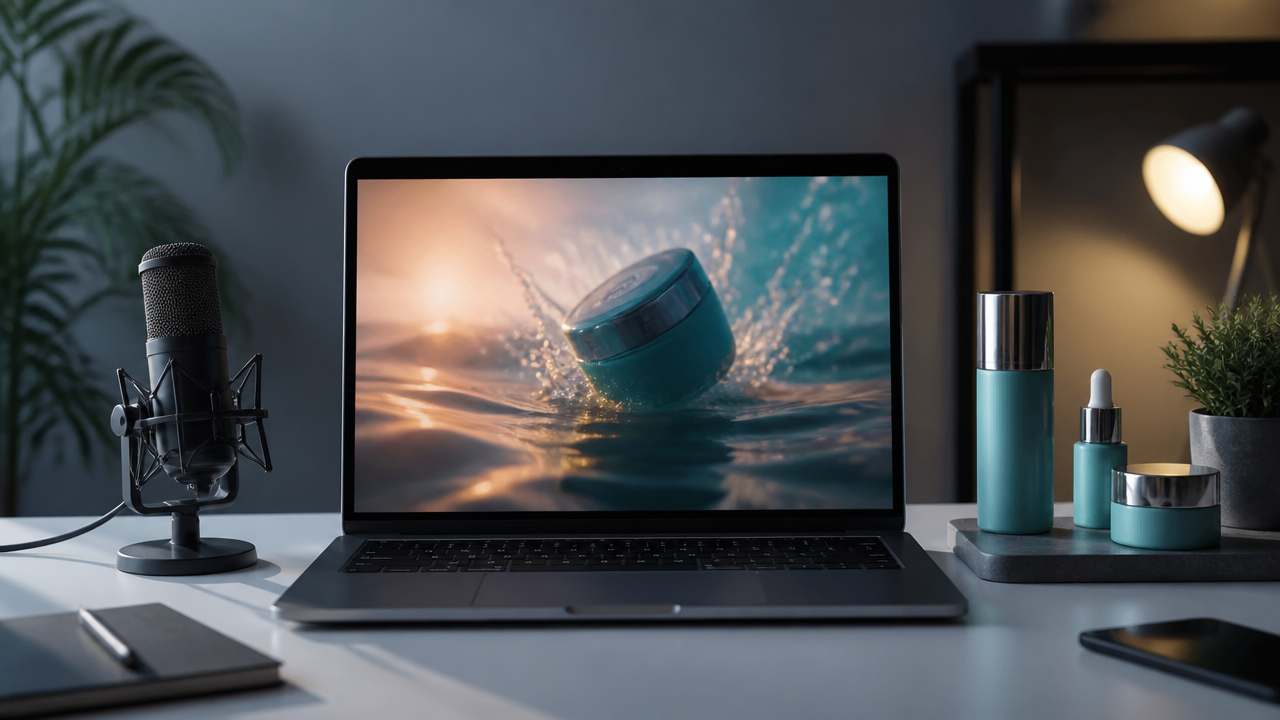
How to Make Scroll-Stopping AI Ads with Synthesia-Style Video Prompts, Image Editing, Voiceovers, and Music
If you want to create better social media ads without booking a studio, a synthesia ai video generator style workflow is one of the fastest ways to move from idea to finished asset. My go-to process is simple: clean up the product image, generate the video, add a channel-specific voiceover, layer music, then test multiple hooks before spending real ad budget.
MagicEditAI fits perfectly into this kind of workflow because it brings video, image editing, voiceovers, and music into one creator-first production space.
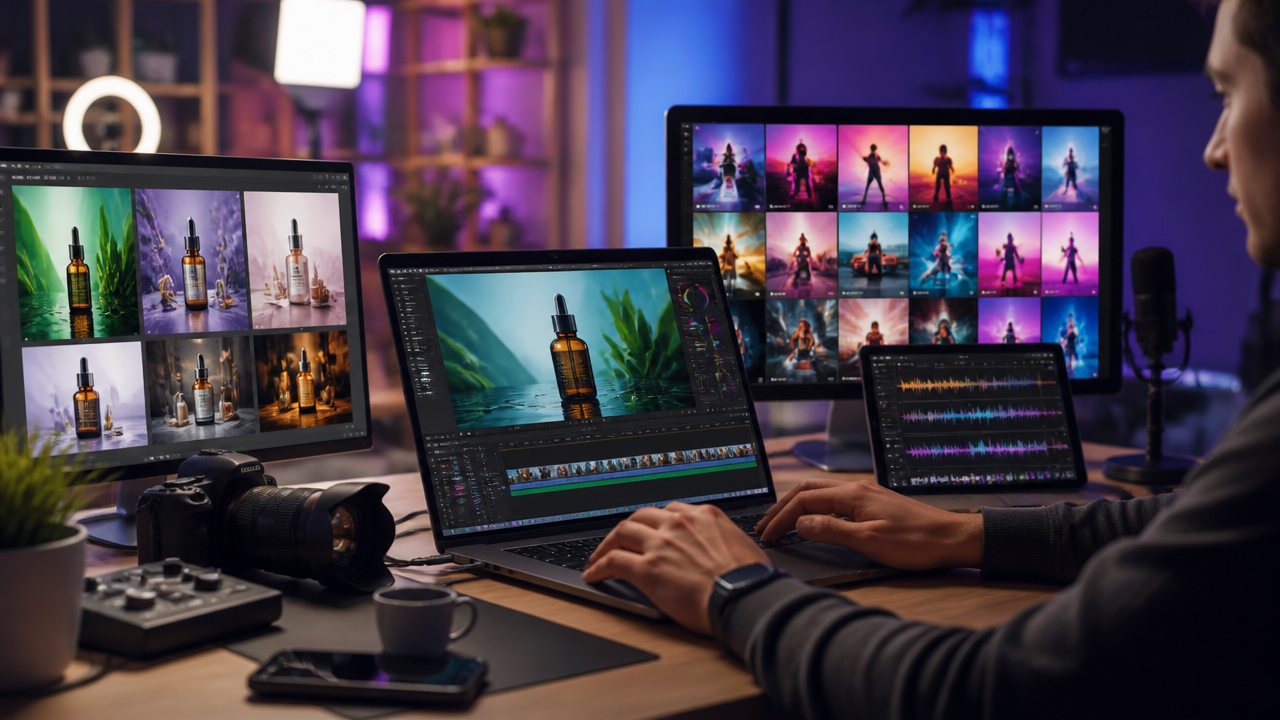
The Repeatable AI Ad Formula I Use
Before opening any tool, I write the ad structure. AI works better when the creative direction is sharp. Here’s the formula I use for almost every product demo video:
| Ad Beat | Purpose | Example Line |
|---|---|---|
| Pain point | Stop the scroll with a relatable problem | “Still spending an hour editing one product clip?” |
| Product promise | Say what changes | “Create polished ad videos from one image.” |
| Visual proof | Show the result, not just the claim | Before and after product image, animated demo, app preview |
| Testimonial-style line | Add believable social proof | “This is the first tool that made ad production feel manageable.” |
| Offer | Give a reason to act now | “Try the workflow free before your next campaign.” |
| CTA | Tell viewers exactly what to do | “Generate your first ad today.” |
This formula keeps the creative tight. It also prevents the most common AI ad problem: beautiful footage with no selling logic.
Step 1: Prepare Product Images Before Video Generation
A great UGC style AI video usually starts with a clean product image. Don’t rush this step. If your source image looks inconsistent, the generated video may amplify those problems.
Here’s how I prep product photos inside an AI image editor workflow:
- Background replacement: Swap a messy table, warehouse shot, or stock-looking backdrop for a clean scene that fits the audience. For skincare, I’d use a bright bathroom counter. For a SaaS dashboard, I’d use a laptop on a modern desk.
- Lighting correction: Match shadows and highlights so the product feels real in the scene. Overexposed packaging can make an ad look cheap.
- Aspect-ratio extension: Extend the canvas for 9:16, 1:1, or 16:9 formats before creating motion. This avoids awkward crops on TikTok, Reels, Shorts, and landing pages.
- Visual consistency: Keep colors, props, and texture aligned across every variation. If one ad feels premium and the next feels discount-bin, your brand takes the hit.
If you want a broader workflow for turning stills into video assets, MagicEditAI’s guide to AI Video Generator tools is a useful companion while you build your own process.
Step 2: Write Short Form Video Prompts by Channel
The best short form video prompts are specific about pacing, camera movement, subject, setting, and CTA. I usually write them like a mini creative brief.
| Channel | Prompt Template |
|---|---|
| TikTok | “Create a 9:16 UGC style AI video showing a creator holding [product] in a casual home setting. Start with a frustrated expression, cut to a satisfying product reveal, include quick hand-held camera movement, natural lighting, and a direct CTA in the final scene.” |
| Instagram Reels | “Generate a polished 9:16 lifestyle ad for [product], soft studio lighting, close-up product textures, smooth camera push-ins, aspirational but authentic mood, ending with a clean product hero shot.” |
| YouTube Shorts | “Create a fast-paced 9:16 product demo video with three visual beats: problem, solution, result. Use sharp cuts, clear product visibility, and energetic motion designed for viewers watching without context.” |
| “Generate a professional vertical video featuring a founder-style presenter introducing [product] as a practical solution for [business problem]. Use clean office visuals, confident pacing, and a concise CTA.” | |
| Product landing page | “Create a 16:9 hero video for [product], premium lighting, slow camera movement, interface or product close-ups, benefit-led visual sequence, and a calm ending frame suitable for a website header.” |
For more complete prompt structures, I’d pair this with Synthesia AI Video Generator Prompts: How to Create Complete AI Videos with Images, Voiceovers, and Music, especially if you’re building repeatable campaign templates.
Step 3: Add Voiceovers That Match the Buyer
AI voiceover ads work best when the voice sounds like the person your buyer already trusts. Don’t just choose “male voice” or “female voice.” Prompt the role, emotion, pace, and channel.
How should I prompt voiceovers for different audiences?
Try these voice directions:
- Founder-led: “Confident founder voice, warm but direct, explaining the problem from personal experience, medium pace, clear startup energy.”
- Expert: “Calm industry expert, precise pronunciation, authoritative tone, no hype, suitable for LinkedIn and B2B buyers.”
- Friendly creator: “Conversational creator voice, casual pacing, lightly excited, sounds like a real recommendation for TikTok or Reels.”
- Luxury brand: “Slow, polished, understated voice, premium feel, minimal urgency, elegant delivery.”
- Direct-response: “High-clarity ad voice, energetic pacing, benefit-first wording, strong CTA, designed for paid social conversion.”
If you clone a voice, only use voices you have permission to use. That includes your own voice, a contracted spokesperson, or licensed talent.
Step 4: Prompt Music by Ad Emotion
AI music generation is where the ad gets its momentum. I don’t treat music as background filler. I use it to shape how fast the viewer decides.
| Emotion | Music Prompt Example |
|---|---|
| Urgency | “Fast electronic percussion, tight bass pulse, rising tension, modern paid social ad energy.” |
| Curiosity | “Minimal plucks, soft synth pulses, subtle rhythm, mysterious but clean product reveal mood.” |
| Premium | “Elegant ambient pop, warm bass, light piano accents, polished luxury brand tone.” |
| Playful | “Bouncy indie pop beat, bright percussion, cheerful melody, creator-style product discovery.” |
| Calm | “Soft ambient texture, slow tempo, warm pads, relaxed wellness or productivity mood.” |
| Cinematic | “Wide atmospheric build, deep drums, emotional rise, dramatic product hero reveal.” |
| Futuristic | “Clean synth arpeggios, digital textures, crisp rhythm, sleek tech product mood.” |
A small warning from experience: loud music can crush your voiceover. Generate the track, then lower it under speech so the CTA stays clear.
Step 5: Test Creative Variations Fast
Here’s the testing framework I’d run before launching a campaign:
| Variable | Number to Generate | Example |
|---|---|---|
| Hooks | 5 | “Stop editing ads the hard way.” “One product image can become your next video ad.” |
| Visual styles | 3 | UGC creator, premium studio, fast demo montage |
| Voice styles | 2 | Friendly creator, direct-response announcer |
| Music beds | 2 | Urgent electronic, playful pop |
That gives you 60 possible combinations if you mix everything fully. You don’t need to publish all 60. I usually pick the strongest 6 to 10, launch small-budget tests, then scale the winner.
This is where MagicEditAI saves serious time. Instead of jumping between a video generator, AI image editor, voice tool, and music app, you can keep the production loop tighter, from concept to finished multimedia asset.
Synthesia-Style FAQs for Ad Creators
Is Synthesia AI video free?
Synthesia currently lists free and paid options on its official pricing page, though free access is limited compared with paid plans. If you’re evaluating tools for ongoing ad production, check what’s included in exports, video minutes, watermarking, and commercial usage before choosing a workflow. (synthesia.io)
Is there a 100% free AI video maker?
There are free AI video tools and free trials, but “100% free” usually comes with tradeoffs like watermarks, short duration limits, lower resolution, fewer voices, or limited commercial rights. For serious social media ads, I’d treat free tools as testing sandboxes, not always as final production systems.
How much does Synthesia AI cost?
As of the latest pricing page I found, Synthesia shows paid plans including a Starter plan listed at $29 per month, with higher tiers and enterprise options depending on usage and team needs. Pricing can change, so I’d verify directly before budgeting a campaign. (synthesia.io)
How long can Synthesia videos be?
Synthesia’s usage is tied to plan limits and video minutes. Its pricing page notes that the Starter plan provides 10 video minutes per month, while enterprise-style plans may offer broader usage depending on the arrangement. (synthesia.io)
Compliance Basics Before You Publish
AI makes media production faster, but ad rules still apply. The FTC says endorsements need to be truthful and not misleading, and its guidance covers ads across social media, online video, print, audio, and other channels. (ftc.gov)
Keep this checklist close:
- Don’t invent fake customer testimonials.
- Don’t imply a celebrity, influencer, or customer endorsed the product if they didn’t.
- Don’t clone a voice without permission.
- Don’t use someone’s face, likeness, or identity without proper rights.
- Don’t make performance claims you can’t support.
- Do disclose material connections when needed.
This isn’t just legal housekeeping. It protects your brand. Trust is hard to earn and very easy to lose.
Conclusion
A synthesia ai video generator style workflow gives creators a practical way to produce more ads, test more angles, and move faster without sacrificing polish. The winning process is repeatable: start with a clear ad formula, clean up your product images, write channel-specific prompts, match the voiceover to the buyer, add music with intent, then test variations before scaling.
MagicEditAI brings that workflow into one place for creators and digital artists who want professional media production without bouncing between five different tools.
Ready to build your first ad asset? Try the free trial on MagicEditAI to create your first edited image or AI-generated video.

 MagicEdit