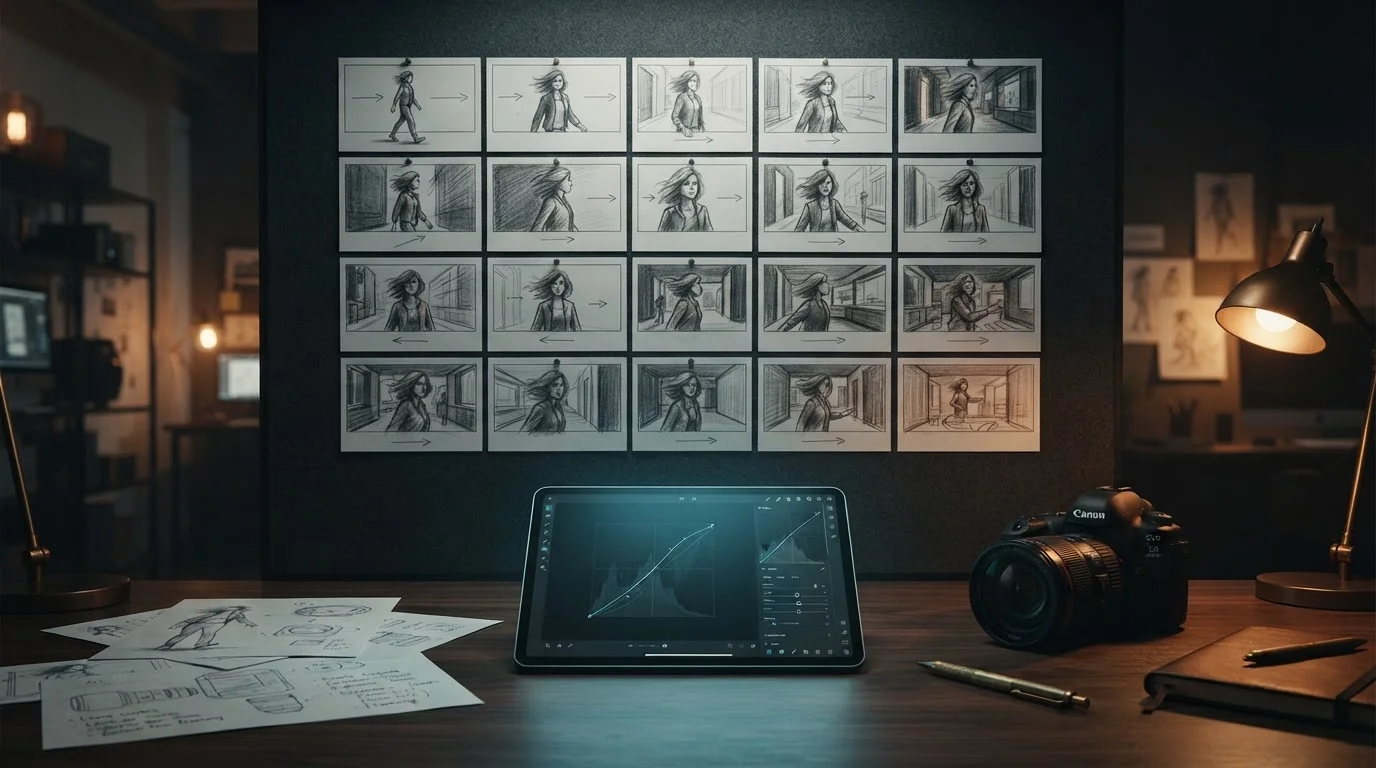
How to Use an AI Image Editor for Storyboarding: Prompts for Lighting, Style, and Depth Consistency
Table of Contents
- Lock Down Camera and Lighting Parameters
- Anchor Character Identity with Seed Control and References
- Execute Localized Edits Without Breaking Subject Integrity
- Master Lighting Shifts Across Multi-Asset Sequences
- Stage Storyboard Frames into Video Pipelines
- Storyboard Continuity Comparison
- Conclusion
Building a coherent storyboard across multiple shots usually breaks down the moment lighting shifts or character features drift between panels. When you use a modern ai image editor for storyboard creation, maintaining visual continuity does not have to feel like fighting the AI model. By combining precise optical parameters, image references, and focused prompt edits, I have found that you can lock down shot depth, artistic style, and lighting setups across your entire visual sequence without starting from scratch every frame.
Lock Down Camera and Lighting Parameters
To build consistent frames, stop relying on generic style tags like "cinematic look" or "hyper-realistic." Instead, specify exact camera lens focal length, aperture values, and lighting positions in your base prompt structure.
If shot 1 uses an 85mm portrait lens at f/1.8 with key lighting from screen left, keep those optical parameters constant across your subsequent prompt variations. Here is how I structure base prompts for strict depth consistency:
- Base Prompt: "Medium close-up shot of a detective in a trench coat, 85mm lens, f/1.8 shallow depth of field, warm key light from camera left, cool fill light, subtle film grain."
Using specific technical terms forces the image generator to maintain camera distance, background blur ratios, and focal depth across panels. This habit creates the structural backbone for effective storyboard ai editing.
Anchor Character Identity with Seed Control and References
Even with detailed prompts, AI models tend to alter facial features between render attempts. To keep your primary subject looking like the exact same person frame after frame, anchor identity using seed numbers and image inputs inside your ai image editor.
Set a fixed seed value or upload a clean hero frame as a character reference image. Combine this setup with targeted visual continuity prompts that specify facial geometry, hairstyles, and clothing details:
- Identity Prompt: "30-year-old female pilot, sharp jawline, short dark cropped hair, brown eyes, wearing a dark brown leather flight jacket, front angle shot."
When you run ai image style transfer to blend illustrative or film styles across panels, keeping reference images locked ensures the artistic texture transfers cleanly without morphing the character's facial structure.
Execute Localized Edits Without Breaking Subject Integrity
Instead of re-generating an entire frame when you only need a modified background, rely on targeted modification tools. Selective masking lets you swap environment details while preserving your subject's pose, silhouette, and facial details.
Through targeted generative image editing, you mask out the environment, leave the subject untouched, and prompt strictly for the modified surroundings. If you want to learn more about refine-masking workflows, check out these precise prompting techniques for inpainting. This workflow lets you change location assets while keeping character positioning accurate to your original scene outline.
Master Lighting Shifts Across Multi-Asset Sequences
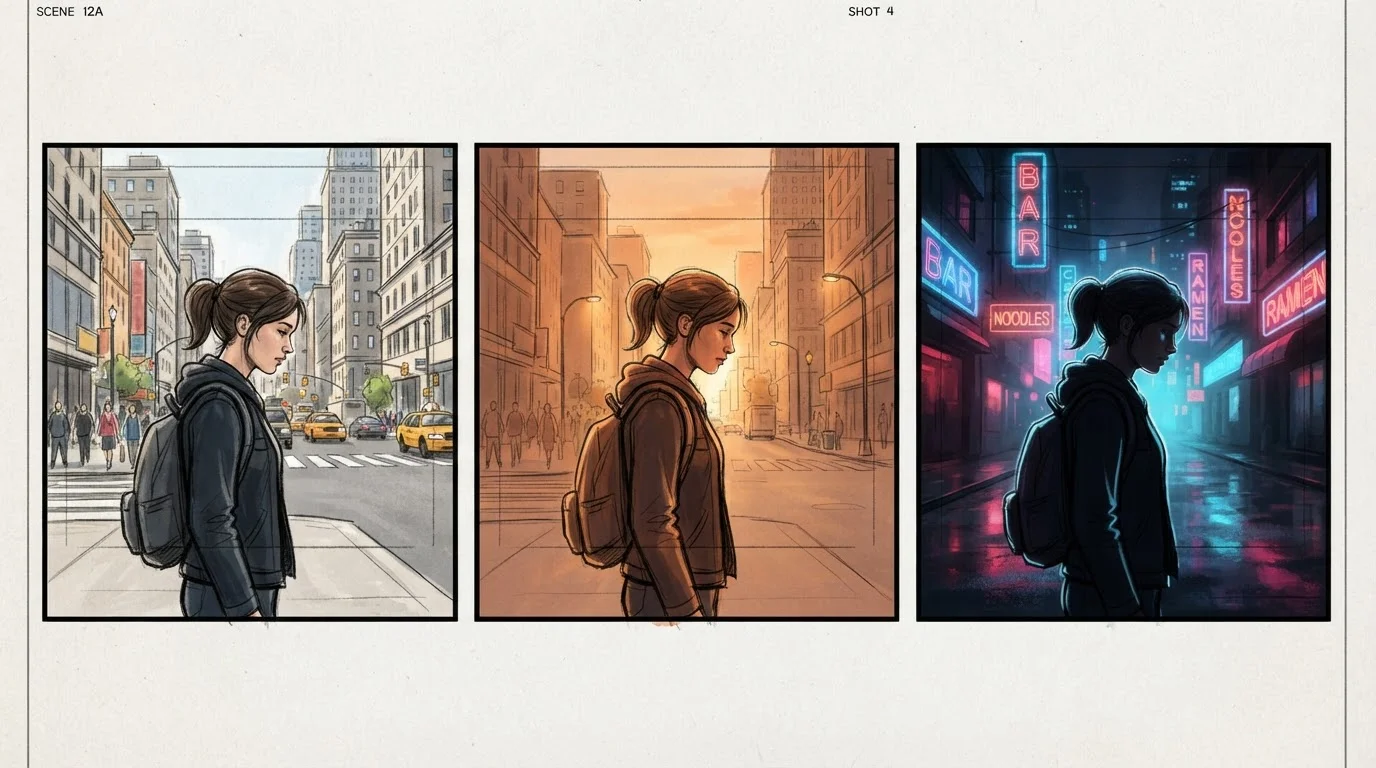
Storyboards often track scenes across different times of day, requiring dramatic atmosphere changes from noon sunlight to moody night settings.
When shifting environments, modify your light temperature, direction, and shadow prompts while keeping your optical lens tags identical. Here are two practical ai photo editor prompts that show how to execute smooth lighting shifts across connected shots:
- Golden Hour Setup: "Subject standing on city rooftop, low-angle warm sunlight from right, long golden shadows, 5600K color temperature, volumetric dust particles, f/2.8 depth."
- Night Setup: "Subject standing in same rooftop position, cool blue ambient light from right, single harsh yellow spotlight overhead, 3200K color temperature, dark shadows on background building."
Stage Storyboard Frames into Video Pipelines
Once your storyboard assets maintain visual harmony across lighting and angle changes, you can export your high-resolution keyframes directly into AI video generation platforms.
Clean storyboards with consistent focal planes act as ideal starting frames for video motion models. When lighting and composition align perfectly across consecutive images, video generators interpolate motion between keyframes with fewer morphing errors. Using structured AI image editor prompts for multi-turn revisions helps perfect these storyboard frames before you hit export for final video rendering.
Storyboard Continuity Comparison
Here is how different targeted editing techniques stack up when you are building a multi-frame visual narrative:
| Editing Technique | Continuity Focus | Key Prompting Elements | Primary Workflow Role |
|---|---|---|---|
| Optical Tagging | Focal depth & framing | Lens size (85mm), aperture (f/1.8), shot angle | Matching shot composition across panels |
| Seed & Reference Locking | Character facial features | Fixed seed, character hero image, feature details | Maintaining identity across scenes |
| Localized Inpainting | Background adjustments | Subject layer mask, targeted setting prompt | Changing backdrops without moving subject |
| Relighting Adjustments | Time-of-day atmospheric mood | Color temperature (Kelvin), light source angle | Directing day-to-night scene transitions |
Conclusion
Maintaining visual continuity across multi-asset storyboards comes down to controlling camera parameters, seed values, and localized background edits. By establishing clear prompt frameworks and using targeted editing tools, you can produce consistent, professional storyboard frames ready for production pipelines.
If you are ready to build your next visual sequence, try the free trial on MagicEditAI today to create your first edited image or AI-generated video.

 MagicEdit