MVLAND 2.0 Studio Mode Released: How Creators Can Direct End-to-End AI Music Videos
On September 19, 2026, Meitu launched MVLAND 2.0 with its new Studio Mode, bringing an agent-driven workflow to AI music video production. If you have ever tried using a standard AI Video Generator to match dynamic visuals to a song, you know how painful audio desynchronization and visual drift can be. Studio Mode changes that dynamic by letting autonomous AI agents analyze your track, build shot lists, and maintain subject consistency across every scene cut.
We took Studio Mode for a spin to see how it reshapes the video creation process for independent artists and video producers.
Agent-Driven AI Music Video Production
The core innovation in this Meitu AI video update is its automated audio intelligence. Instead of forcing you to split audio tracks manually and render individual 4-second video clips, Studio Mode acts as an automated director.
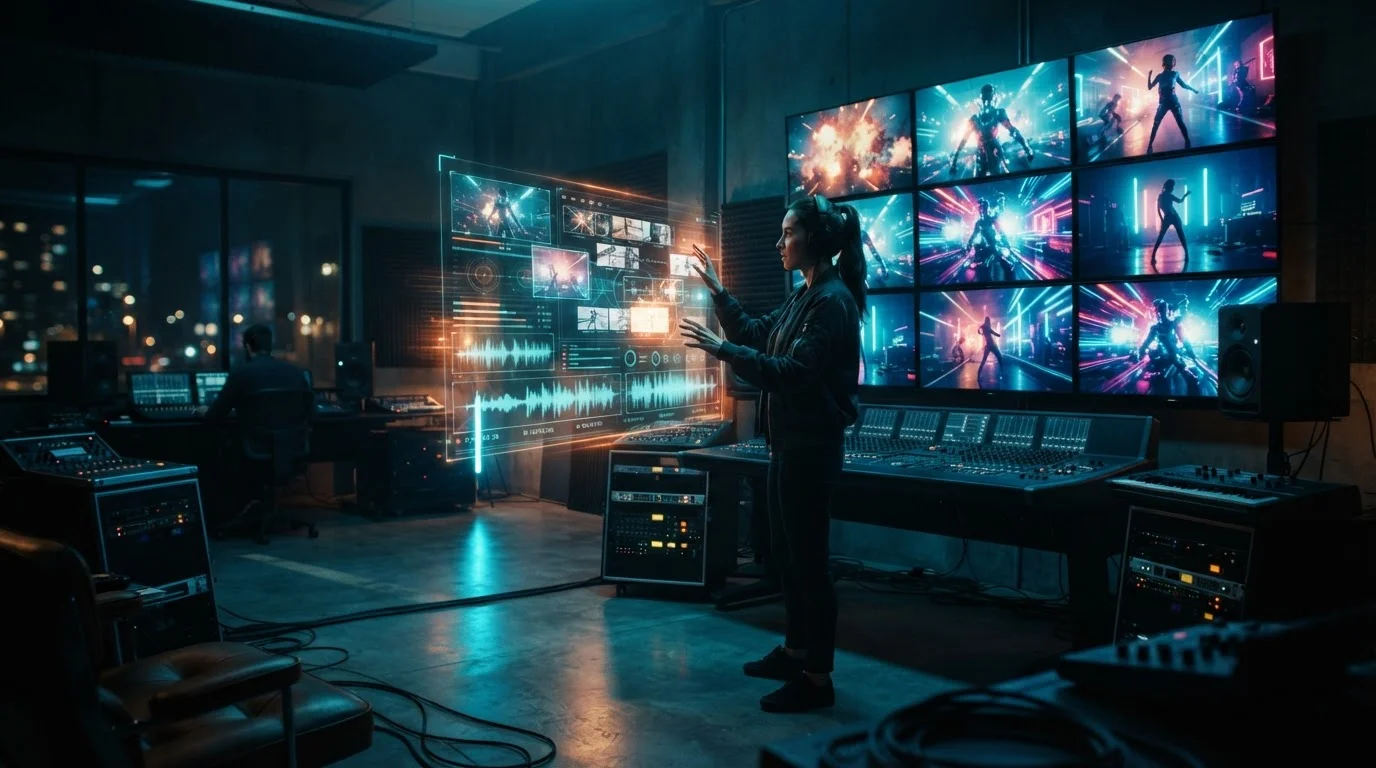
When you upload an audio file, the agent performs a deep waveform analysis. It flags tempo changes, identifies verse-chorus transitions, and places visual markers directly on the audio timeline.
This structural mapping powers agent-driven video editing. The AI connects music dynamics with visual motion. When the bass hits, camera acceleration speeds up. During ambient synth bridges, the camera switches to sweeping aerial shots. You can learn more about how model architectures process motion inputs in our breakdown of modern AI Video Generator mechanics.
Building Storyboards and Maintaining Visual Consistency
Once the music is mapped, Studio Mode initiates automated storyboard generation. It reads your core text prompt and generates a multi-scene shot list mapped against your track timestamps.
One major headache in traditional text-to-video tools is character drift, where your artist's face changes completely between camera cuts. MVLAND 2.0 fixes this by generating keyframe anchor references.
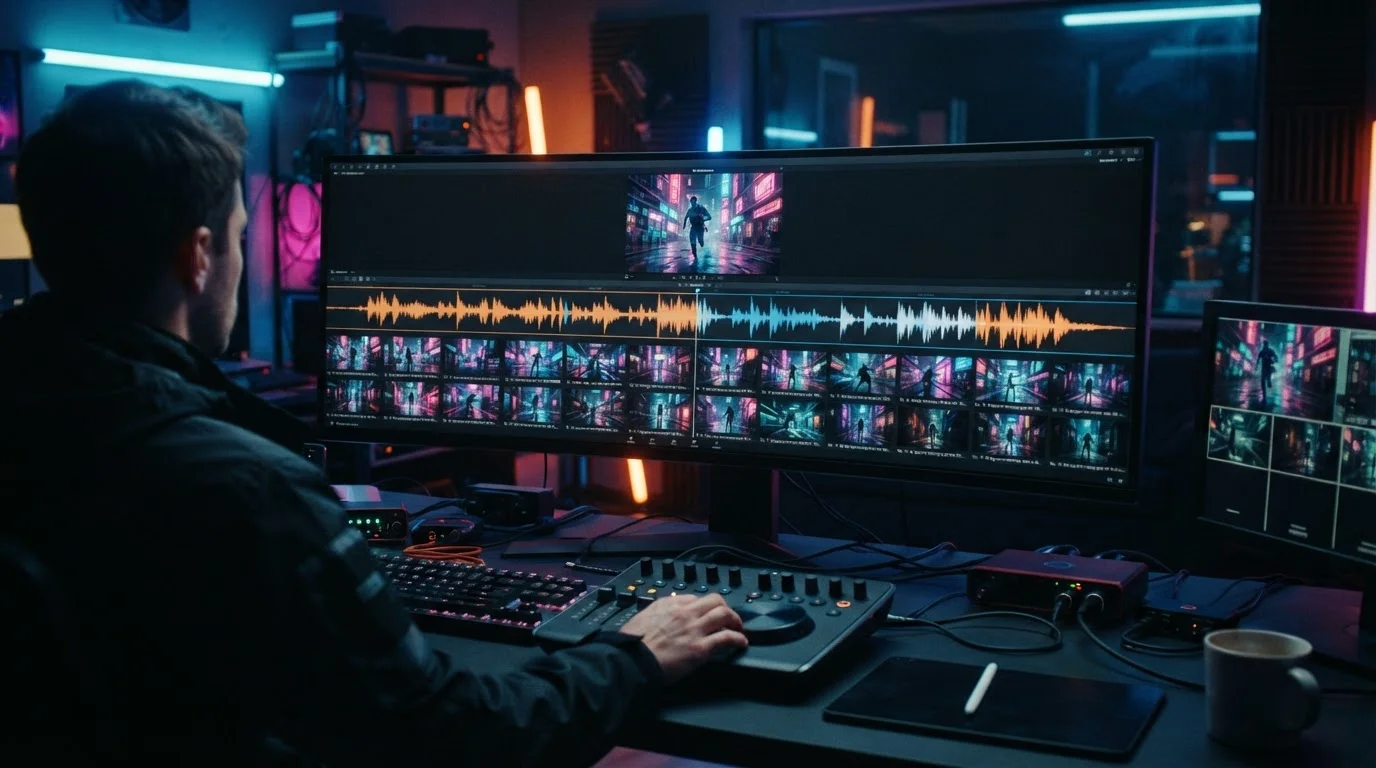
You can locked-in a character's face, outfit, and performance style across wide angles, close-ups, and side pans. Here is what makes the editing suite practical:
- Frame-accurate replacement: You can select a single three-frame sequence to tweak a background lighting element without breaking the underlying audio synchronization.
- Camera path matching: Switch from a static shot to an arc pan while keeping the singer locked in the center frame.
- Style locking: Apply a vintage film or futuristic cyberpunk color grade across all generated scenes in one click.
For creators who prefer building visual assets beforehand, combining custom character portraits with specialized workflows, such as those detailed in our Synthesia AI Video Generator Workflows guide, makes generating persistent subjects even simpler.
Prompt Engineering for Beat Drops and Visual Edits
To maximize Studio Mode AI video outputs, your prompt style needs to adapt to musical pacing. Generic prompts often yield slow, drifting camera moves that clash with energetic beats.
We found success using trigger words linked directly to audio events:
- For verse builds: Use steady camera prompts like "slow pull-back, moody low key lighting, subtle atmospheric smoke."
- For chorus drops: Switch to dynamic descriptors like "whip pan, fast camera cuts, neon strobe flashing, high kinetic energy."
- For dramatic pauses: Apply spatial cues like "time freeze effect, floating particle drift, ultra slow motion 120fps feel."
When your prompts line up with beat markers, the final output feels intentionally directed rather than randomly generated. Once rendered, you can export native 1080p or 4K files pre-formatted for vertical TikToks, vertical Instagram Reels, or widescreen YouTube releases.
Comparing MVLAND 2.0 to Traditional AI Pipelines
To visualize how this agent-driven system compares to standard workflows, we put together a breakdown based on creative efficiency:
| Workflow Step | Traditional AI Video Pipeline | MVLAND 2.0 Studio Mode |
|---|---|---|
| Audio Syncing | Manual cut-and-try in Premiere/CapCut | Automated BPM & structure mapping |
| Character Control | High face swapping or morphing drift | Keyframe reference style locking |
| Storyboard Creation | Manual prompt per clip (30+ prompts) | Single-prompt initial shot list generator |
| Time to Final Render | 4 to 8 hours of manual assembly | Under 20 minutes end-to-end |
Common Creator Questions About Free AI Video Tools
Is there a 100% free AI video generator?
Most professional AI platforms operate on a freemium model. They grant free daily credits or trial access so you can test features, though rendering watermark-free 4K video typically requires a paid tier.
Can ChatGPT create videos directly for free?
ChatGPT generates video scripts, prompts, and shot lists, but it does not render actual MP4 video files natively inside the chat interface. You must copy those generated prompts into a dedicated video rendering engine.
What is the best free AI video generator for creators?
The best option depends on your goal. For quick text-to-video clips, platforms with free starter tiers give you immediate access. For comprehensive image and video editing with professional prompt controls, multi-asset tools offer the cleanest balance of quality and speed.
Conclusion
Meitu's MVLAND 2.0 Studio Mode marks a clear shift in how music videos get made. By letting AI agents handle timing, character retention, and shot matching, creators can focus entirely on artistic vision rather than wrestling with video timelines.
If you want to start creating high-impact visuals without a complex setup, visit MagicEditAI to take advantage of our free trial and build your first edited image or AI-generated video today.

 MagicEdit