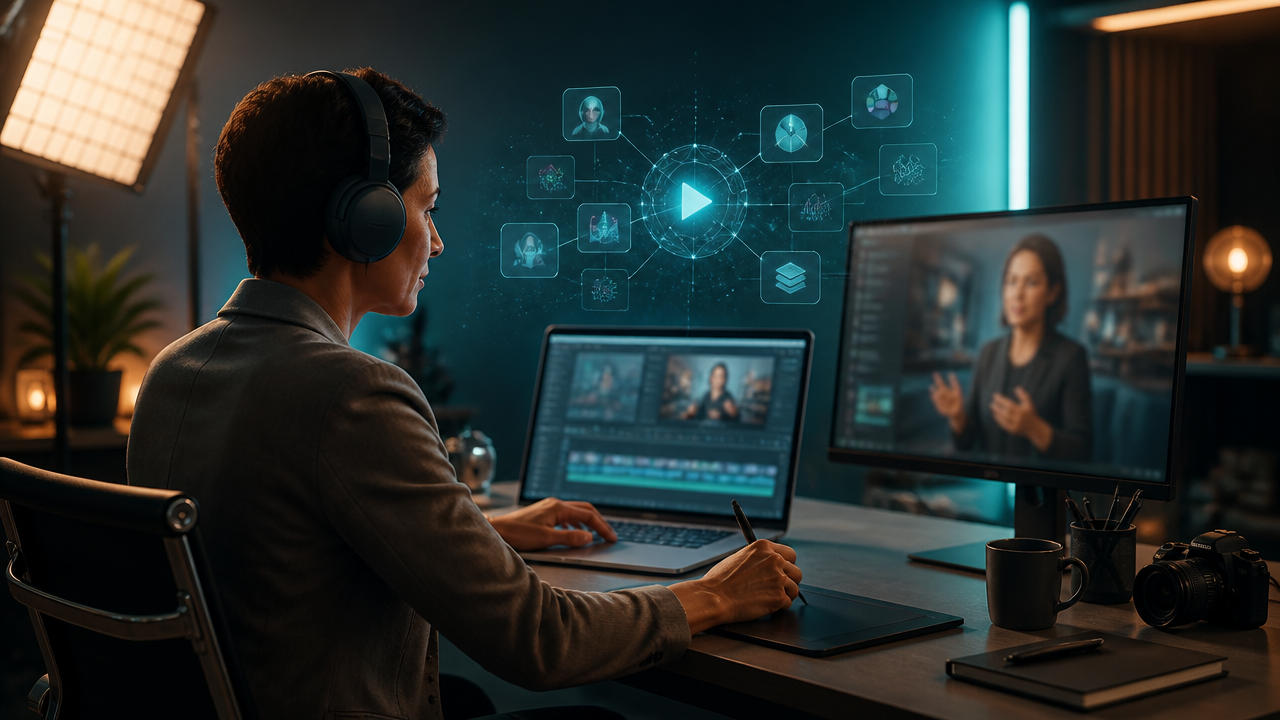
Synthesia AI Video Generator Prompt Guide: How to Create Professional Videos Faster With All-in-One AI Tools
- Why Creators Search for Synthesia-Style AI Video Tools
- Prompt Templates for Complete AI Videos
- Going Beyond Avatar-Only Video Production
- Example Workflows for Different Creators
- Pricing, Free Options, and Video Length Questions
- Checklist for Choosing an AI Video Generator
- Conclusion
The 2024 to 2025 wave of generative AI tools changed what creators can expect from video software: more realistic talking avatars, stronger text-to-video scenes, better lip sync, natural multilingual voiceovers, and creative suites that combine video, image, audio, and music generation. Short answer: the synthesia ai video generator is best known for turning scripts into avatar-led business videos, while all-in-one platforms like MagicEditAI help creators build complete multimedia assets around the video, from visuals to voiceovers and soundtracks. OpenAI describes Sora as a video generation model that accepts text, image, and video inputs, while Google’s Veo 3 added native audio generation for dialogue, effects, and ambience. (openai.com)
Why Creators Search for Synthesia-Style AI Video Tools
Most people searching for the synthesia ai video generator aren’t only looking for “AI video.” They usually want one of five outcomes:
| Search intent | Typical creator goal | Example output |
|---|---|---|
| Avatar videos | Replace filming with an AI presenter | Product announcement with a talking host |
| Training content | Turn SOPs or docs into lessons | Employee onboarding module |
| Product explainers | Show benefits quickly | 90-second SaaS walkthrough |
| Social clips | Create fast, polished snippets | LinkedIn thought-leadership video |
| Multilingual presentations | Localize one script | English, Spanish, and French versions |
That’s why AI video prompts matter. A vague prompt gives you a generic result. A strong prompt defines the audience, video goal, pacing, camera style, avatar tone, caption style, and output format before the model starts building scenes.
If you want a broader overview of where these tools fit, MagicEditAI’s guide to an AI Video Generator is a useful companion while you build your stack.
Prompt Templates for Complete AI Videos
Here’s the prompt framework I use when I want a professional result fast:
Create a [video length] video for [target audience].
Goal: [educate, sell, onboard, entertain, announce].
Format: [YouTube intro, training lesson, product explainer, Reel, ad].
Structure:
1. Hook in the first 5 seconds.
2. Explain the problem.
3. Show the solution.
4. Give 3 practical takeaways.
5. End with a clear CTA.

Avatar direction: [professional, warm, energetic, calm].
Voice tone: [confident, friendly, instructional].
Visual style: [clean studio, cinematic B-roll, modern UI mockups, illustrated scenes].
Captions: [burned-in captions, high contrast, short phrases].
Music: [subtle upbeat electronic, corporate ambient, soft cinematic].
Output: [16:9, 9:16, 1:1], [resolution], [platform].
Use this for AI avatar video generator workflows, then adapt it for richer media production AI:
Generate a 60-second product explainer for startup founders.
Use a confident AI avatar for the opening and closing.
Add 4 B-roll scenes: dashboard close-up, customer using laptop, abstract data flow, team reviewing results.
Create a natural voiceover with a clear American English accent.
Use captions with short sentence breaks.
Add light AI music generation: modern, optimistic, low volume under narration.
Export one 16:9 YouTube version and one 9:16 short-form version.
For images and thumbnails, add a separate visual prompt:
Create a clean thumbnail image for a video about AI productivity.
Style: premium creator studio, soft lighting, blue and violet accents, realistic laptop workspace, no text.
Leave space on the right side for title graphics.
Going Beyond Avatar-Only Video Production
Synthesia-style workflows are strong when the main asset is a presenter. That’s perfect for training, explainers, internal communications, and multilingual presentations. Synthesia’s own documentation says videos can be created from prompts, files, URLs, or scripts, with options for duration, delivery style, templates, and brand kits in supported plans. (docs.synthesia.io)
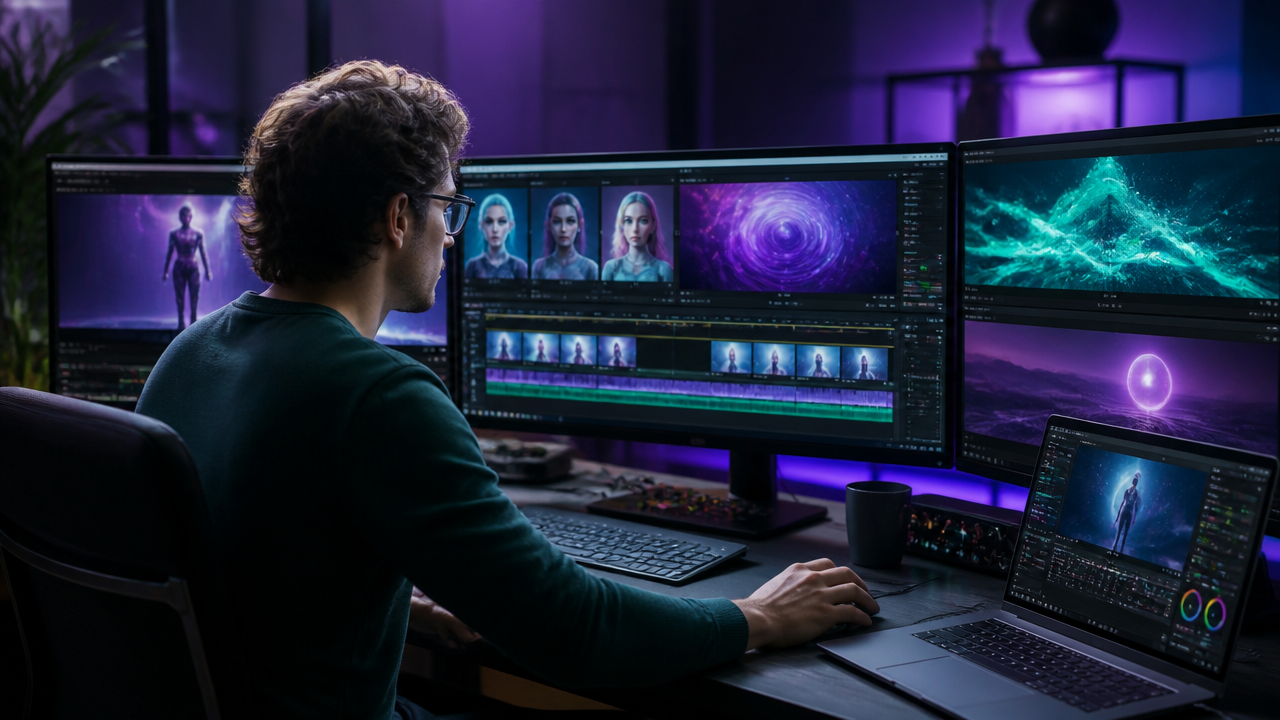
But creators often need more than an avatar reading a script. A YouTuber needs B-roll, thumbnails, Shorts, voiceovers, and background music. A digital artist may want AI image editor controls, stylized scene generation, and audio-reactive edits. A marketer may need ad variations, product mockups, captions, and square exports.
That’s where an all-in-one approach like MagicEditAI becomes practical. Instead of bouncing between separate apps for avatars, voice, images, soundtrack, and edits, you can keep the content creation workflow inside one creative environment. I’d use Synthesia-style prompting for the presenter layer, then use MagicEditAI-style production for the complete asset package: AI-generated B-roll, edited images, cloned voiceovers where consent and rights allow, AI music generation, social cuts, and campaign visuals.
Example Workflows for Different Creators
Here’s how I’d map the workflow by creator type:
| Creator type | Best workflow | Prompt focus |
|---|---|---|
| YouTuber | Script, avatar intro, B-roll, thumbnail, Shorts | Hook, pacing, visual variety |
| Course creator | Lesson script, avatar instructor, slides, quizzes | Clarity, structure, examples |
| Marketer | Product explainer, ad variants, captions | Benefit-led messaging |
| Podcaster | Audiogram, voiceover clips, social teasers | Natural voice, punchy excerpts |
| Digital artist | Stylized scenes, image-to-video, music bed | Visual references, mood, motion |
For example, a course creator might prompt:
Create a 4-minute beginner lesson on color grading for short-form video creators.
Audience: freelance editors with basic editing knowledge.
Use a calm instructor avatar.
Break the lesson into 5 scenes with clear chapter titles.
Include practical examples, simple visual metaphors, and a recap.
Voice: patient, professional, encouraging.
Music: minimal ambient, no distraction.
If you want reusable prompt ideas for richer videos, I’d also keep this Synthesia AI video generator prompts guide nearby while drafting.
Pricing, Free Options, and Video Length Questions
Is Synthesia AI video free?
Synthesia lists a Basic workspace at $0 per month and says users can try Synthesia for free through its free AI video page. Free options are useful for testing avatars, scripts, and basic output quality before committing to a paid workflow. (synthesia.io)
How much does Synthesia AI video generator cost?
As of the current official pricing page I checked, Synthesia lists Starter at $29 per month when billed monthly and Creator at $89 per month when billed monthly. Annual pricing is shown separately, including lower effective monthly rates. (synthesia.io)
Is an AI video generator free enough for professional work?
Usually, free tiers are best for testing. For client work, YouTube production, paid ads, or branded course content, I’d look closely at export quality, watermark rules, monthly minutes, editing flexibility, and whether you can create matching assets like images, voiceovers, and music in the same platform.
How long can Synthesia videos be?
Synthesia’s developer documentation says a video can contain up to 150 scenes, each scene can be up to 5 minutes, and total duration cannot exceed 4 hours. For prompt-to-video workflows, the Assistant duration options shown in the docs include 30 seconds, 1, 2, 3, 4, or 5 minutes. (docs.synthesia.io)
Checklist for Choosing an AI Video Generator
Before you pick a tool, run through this checklist:
| Decision factor | What I’d check |
|---|---|
| Realism | Avatar expression, lip sync, hand movement, face consistency |
| Editing flexibility | Can you trim, replace scenes, change captions, and revise only sections? |
| Voice options | AI voice cloning, multilingual voices, tone control, pronunciation edits |
| Brand consistency | Brand colors, templates, logo placement, reusable styles |
| Export quality | 16:9, 9:16, 1:1, HD or higher, clean audio mix |
| Workflow speed | Can you move from prompt to final export without 6 different tools? |
| Creative range | Does it support B-roll, AI image editor features, soundtrack creation, and thumbnails? |
| Repurposing | Can one video become Shorts, Reels, ads, blog visuals, and standalone voiceovers? |
Repurposing is where the real speed appears. One 3-minute AI-generated video can become:
- A 30-second Reel with the strongest takeaway.
- A YouTube Short using the same voiceover and captions.
- A square ad with a product-focused hook.
- A thumbnail made from the hero scene.
- A blog header image generated from the same visual style.
- A podcast promo clip using the cleaned voiceover and music bed.
Conclusion
The synthesia ai video generator is a strong starting point for avatar-led videos, especially when you need training content, product explainers, presentations, or multilingual business videos. But the creator workflow is moving beyond avatar-only production. The best results now come from combining AI video prompts with image editing, B-roll generation, natural voiceovers, AI music generation, captions, and fast repurposing.
My recommendation is simple: write prompts like a director, not like a search query. Define the audience, goal, pacing, camera style, visual references, voice emotion, music mood, and output format. Then use an all-in-one creative platform when you need the full production package, not just a talking head.
Try the free trial on MagicEditAI to create your first edited image or AI-generated video.

 MagicEdit