Synthesia AI Video Generator Prompts: How to Create Complete AI Videos with Images, Voiceovers, and Music
- Why Prompt Strategy Matters for AI Video Creation
- What Creators Expect From Synthesia-Style AI Video Tools
- Reusable AI Video Prompts for Complete Productions
- Avatar Videos vs Cinematic Generative Clips
- A Practical MagicEditAI Workflow From Idea to Export
- Common Prompting Mistakes That Hurt Video Quality
- AI Video Generator Checklist for Creators
- Conclusion
The synthesia ai video generator category has moved fast. Synthesia’s current public AI video pages highlight prompt, document, URL, and script-to-video workflows, plus AI avatars, 160+ language voiceovers, translation, lip sync, and generative video features that include models like Veo 3 and Sora 2. For creators, that raises the real question: how do we write better prompts and build full videos, not just talking-head clips? (synthesia.io)
I like to think of this as a production system. Your prompt is the creative brief, your visuals are the set, your voiceover is the performance, your music is the emotional glue, and your editor is where the whole thing becomes publishable.
Why Prompt Strategy Matters for AI Video Creation
Good AI video prompts do more than describe a scene. They define the audience, format, duration, aspect ratio, visual style, lighting, pacing, emotion, brand colors, voice persona, music mood, and call to action.
A weak prompt says:
Create a product demo video.
A stronger prompt says:
Create a 45-second vertical product demo for busy freelance designers. Use a confident but friendly narrator, fast pacing, clean UI close-ups, soft studio lighting, blue and white brand colors, upbeat electronic background music, bold captions, and a final call to action to start a free trial.
That difference matters because text to video AI tools respond best when you give them production context, not just a topic. If you want more background on how these systems fit into real creator workflows, I recommend reading MagicEditAI’s guide to the AI Video Generator.
What Creators Expect From Synthesia-Style AI Video Tools
Most users come to a synthesia ai video generator expecting speed. They want to type a script, choose an avatar, generate a voiceover, localize it, and export a clean video without cameras or actors.
Synthesia’s public workflow currently describes starting with text, a prompt, a file, or a URL, then customizing the script, choosing from 240+ AI avatars, applying brand assets, adding AI-generated B-roll with tools such as Veo 3 or Sora 2, and exporting or translating the final video. (synthesia.io)
Is Synthesia AI video free?
Synthesia’s current public page says its free plan includes up to 10 minutes of video per month, access to AI avatars, voiceovers in 160+ languages, and AI asset generation in its AI Playground. That’s useful for testing, but creators producing weekly YouTube explainers, training videos, or ad variations will usually need more flexible production capacity. (synthesia.io)
How much does Synthesia AI cost?
As of the latest pricing page crawled in June 2026, Synthesia lists a Basic plan at $0 per month, Starter at $29 per month, Creator at $89 per month, and custom Enterprise pricing. The Starter plan is shown with 10 video minutes per month, while Creator is shown with 30 video minutes per month. (synthesia.io)
Is there a 100% free AI video maker?
There are free AI video tools and free tiers, but “100% free” usually means limits: watermarks, short video duration, fewer exports, reduced model access, or restricted commercial features. I’d treat free plans as a testing lane, not a full production studio.
Reusable AI Video Prompts for Complete Productions
Here’s the prompt stack I use when building videos for product demos, YouTube explainers, social ads, training modules, portfolio reels, and faceless creator content.
| Production Step | Prompt Template |
|---|---|
| Video concept | “Create a video concept for [audience] about [topic]. Goal: [educate/sell/onboard/entertain]. Format: [YouTube/social ad/training/reel]. Duration: [X seconds]. Tone: [professional/playful/premium].” |
| Scene-by-scene script | “Write a [number]-scene script with timestamps, voiceover lines, on-screen visual notes, and caption text. Keep each sentence short and clear.” |
| Visual direction | “Describe each scene’s setting, color palette, subject, lighting, camera angle, and motion. Keep visual continuity across the full video.” |
| Camera movement | “Add camera direction for each scene: slow push-in, static close-up, side pan, overhead product shot, or handheld creator-style movement.” |
| Voiceover tone | “Generate narration in a [warm/confident/energetic/calm] voice for [audience]. Avoid jargon. End with a clear CTA.” |
| Background music | “Create an AI music generation brief: [genre], [tempo], [mood], [instruments], [energy curve], no vocals, suitable under narration.” |
| Captions | “Create short captions under 8 words each. Use active verbs. Match the spoken script without crowding the frame.” |
| Final editing notes | “Provide editing instructions for pacing, transitions, B-roll placement, caption timing, intro hook, outro CTA, and export versions.” |
For a more detailed Synthesia-style prompt workflow using images as the starting point, you can also read Synthesia AI Video Generator Workflows: Turn AI Images into Professional Videos with Prompts.
Avatar Videos vs Cinematic Generative Clips
An AI avatar video works best when the message needs a presenter: onboarding, training, compliance, tutorials, product updates, and founder-style explainers. The avatar gives viewers a “person” to follow.
Cinematic generative clips work better when motion, mood, and visual storytelling matter. Think product lifestyle shots, cinematic B-roll, fantasy scenes, portfolio reels, or faceless creator content. Synthesia now positions its generator as supporting both presenter-led videos and cinematic AI clips using models such as Veo 3 and Sora 2. (synthesia.io)
| Use Case | Best Format | Why It Works |
|---|---|---|
| Employee training | Avatar-led video | Clear, repeatable, easy to localize |
| Product demo | Avatar plus screen visuals | Human explanation with visual proof |
| Social ad | Cinematic generative clips | Fast attention and strong mood |
| Portfolio reel | Generative scenes plus music | Visual variety and creative pacing |
| Faceless YouTube | AI visuals plus narration | No camera needed, still feels produced |
What is better, Synthesia or HeyGen?
For avatar-first business videos, Synthesia and HeyGen are both popular options. My practical answer is this: compare them by output style, avatar realism, localization, editing depth, usage limits, and total monthly cost. But if your workflow also needs an AI image editor, AI voice cloning, AI music generation, and hands-on AI video editing, an all-in-one creative platform like MagicEditAI can be a better fit than using a separate tool for every step.
A Practical MagicEditAI Workflow From Idea to Export
Here’s the workflow I’d use inside MagicEditAI when I want a complete video, not just a generated clip.
-
Start with the content goal
Decide whether the video should teach, sell, announce, entertain, or build trust. -
Generate or edit visuals
Create product shots, background scenes, thumbnails, or stylized images. Then refine them with the AI image editor so the look stays consistent. -
Produce video scenes
Use your scene-by-scene prompt to generate clips that match your script, aspect ratio, and visual direction. -
Generate or clone narration
Use AI voice cloning or generated narration to create a consistent voice persona. Match the voice to the audience, not just the brand. -
Create background music
Prompt the soundtrack around mood and pacing. A calm tutorial needs space. A social ad needs energy. -
Edit, caption, and export
Trim scenes, align captions, balance music under narration, then export vertical, square, and widescreen versions for each platform.
Common Prompting Mistakes That Hurt Video Quality
The biggest mistake is being vague. “Make it professional” means almost nothing to a model. “Use soft studio lighting, slow camera movement, a clean white background, and a calm expert voice” is much more useful.
I also see creators mismatch voice and visuals. A dramatic cinematic scene with a flat corporate voice feels off. So does playful music under a serious compliance training video.
Other issues to watch:
- Scripts that run too long for the format
- Character descriptions that change from scene to scene
- Captions that are too dense for mobile
- Music that competes with narration
- Calls to action that appear only at the end
- No localized captions or voiceovers for international audiences
AI Video Generator Checklist for Creators
Before choosing between generative AI tools, use this checklist.
| Decision Factor | What to Check |
|---|---|
| Video quality | Are faces, hands, motion, and scene transitions believable? |
| Editing flexibility | Can you trim, revise, caption, and re-export without starting over? |
| Image tools | Can you generate and edit supporting visuals in the same workflow? |
| Voice options | Are there voice styles, languages, and AI voice cloning features? |
| Music generation | Can you create background tracks that match the video mood? |
| Localization | Are captions, dubbing, and translated voiceovers easy to manage? |
| Workflow speed | How many tools are needed from script to final export? |
| Total production cost | Look beyond monthly price. Count credits, exports, revisions, and add-ons. |
Conclusion
The best synthesia ai video generator prompts are really production briefs. They tell the AI what to make, who it’s for, how it should feel, how fast it should move, what the viewer should hear, and what action should happen next.
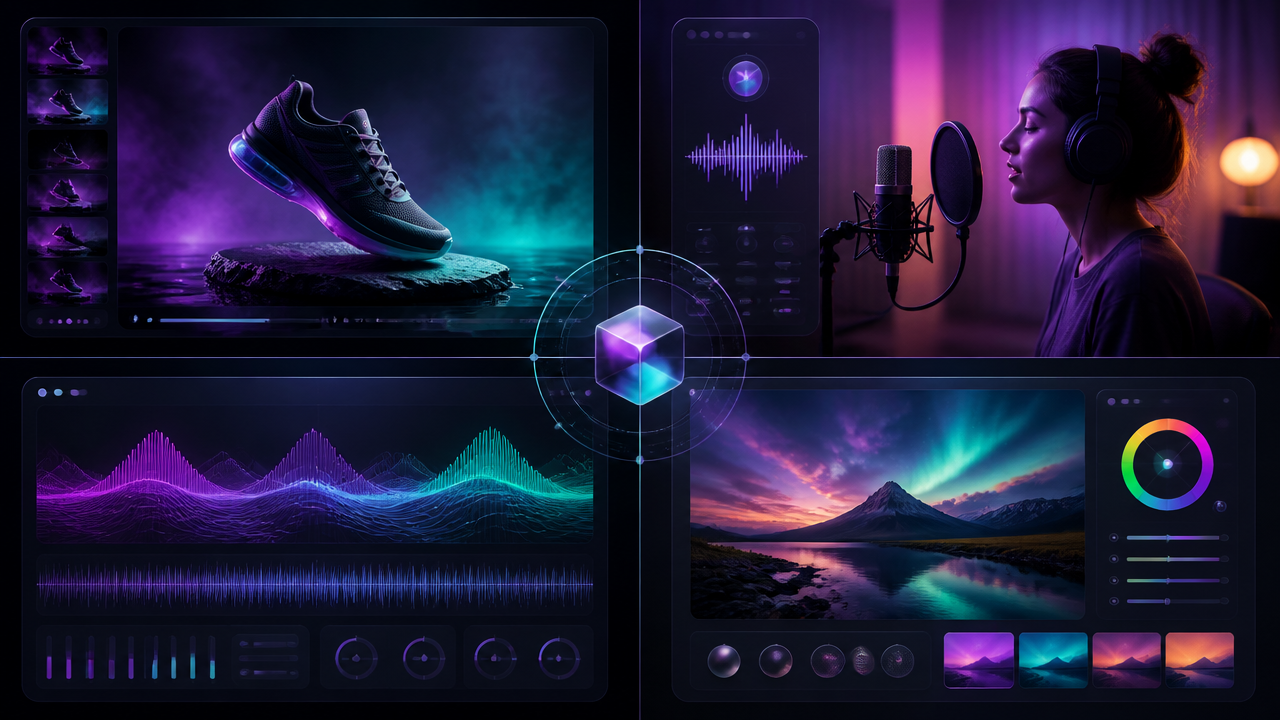
Avatar-style tools are great for presenter-led content, especially training, explainers, and localized business videos. But creators who want full multimedia control need more than an avatar. They need images, video scenes, voice, music, captions, and editing in one connected workflow.
Ready to build faster? Try the free trial on MagicEditAI to create your first edited image or AI-generated video.

 MagicEdit