Synthesia AI Video Generator Prompts: How to Turn One Idea Into a Full Video, Voiceover, Image, and Music Workflow
- Why “synthesia ai video generator” Is Really Workflow Intent
- The Prompt Framework I Use for AI Video Scenes
- Six Ready-to-Use Creator Prompts
- Turning an Avatar Video Into a Complete Media Asset
- Where Voice Cloning and AI Music Generation Fit
- Single-Purpose AI Video Generation vs an All-in-One Workflow
- Model Capability Trends to Watch in 2026
- Publishing Checklist Before You Export
- Conclusion
The synthesia ai video generator search usually means one thing: creators want a polished video fast, often from a script, prompt, avatar, slide deck, or existing piece of content. In 2026, that intent is shifting. Google’s January 2026 Veo 3.1 update emphasized image-to-video consistency, vertical video, and 1080p or 4K options, while its May 2026 Flow update pushed the market further toward integrated video, image, editing, and music workflows. (blog.google)
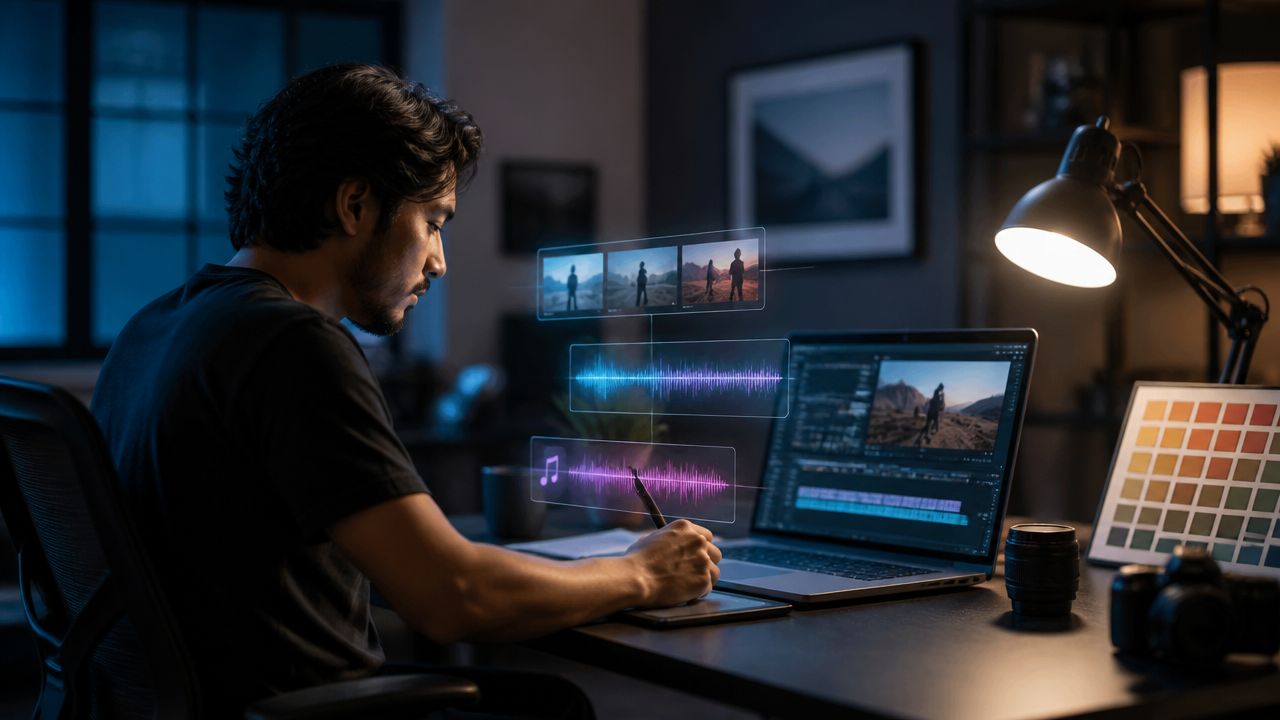
That’s the real opportunity. Don’t stop at a talking-head video. Start with one idea, then build the full content package: avatar scene, B-roll, edited images, narration, music, thumbnails, and social cutdowns.
Why “synthesia ai video generator” Is Really Workflow Intent
When someone searches for Synthesia, they’re rarely just browsing. They’re trying to solve a production problem: “How do I turn this message into a finished video without hiring a crew?”
That might mean:
- A founder turning a product update into a 60-second explainer.
- A course creator converting a lesson outline into a narrated module.
- A marketer making paid ad variations for TikTok, Reels, and YouTube Shorts.
- A designer turning portfolio images into a motion reel.
Synthesia is known for avatar-led business videos, and its pricing page currently lists a Basic free plan, Starter at $29 per month when billed monthly, Creator at $89 per month when billed monthly, and custom Enterprise pricing. It also lists monthly video usage limits, including 10 minutes per month on Basic and Starter, 30 minutes per month on Creator, and unlimited minutes on Enterprise. (synthesia.io)
Is Synthesia AI video free?
Yes, Synthesia currently lists a Basic free plan with no credit card required. But free plans are best for testing quality, workflow fit, and avatar style, not for building a complete creator content engine. (synthesia.io)
How much does Synthesia AI cost?
As of the current official pricing page I checked, Synthesia lists paid self-serve monthly plans at $29 per month for Starter and $89 per month for Creator, with Enterprise priced by quote. Always confirm before buying because AI tool pricing changes often. (synthesia.io)
How long can Synthesia videos be?
The official plan comparison describes monthly usage limits rather than one universal maximum length: 10 minutes of video per month on Basic and Starter, 30 minutes per month on Creator, and unlimited video minutes on Enterprise. (synthesia.io)
The Prompt Framework I Use for AI Video Scenes
A strong AI Video Generator prompt should feel like a mini creative brief. I use this structure because it gives the model enough direction without boxing it in:
| Prompt Element | What to Include | Example |
|---|---|---|
| Objective | What the video must achieve | Explain a new feature in 45 seconds |
| Audience | Who it’s for | Solo creators, marketers, digital artists |
| Format | Avatar, cinematic B-roll, tutorial, ad | Avatar intro plus product shots |
| Visual style | Lighting, mood, colors, camera feel | Clean studio look, soft shadows, blue accents |
| Shot list | Scene-by-scene direction | Hook, demo, proof, CTA |
| Pacing | Fast, calm, educational, dramatic | Quick cuts every 3 to 5 seconds |
| Captions | Burned-in, minimal, keyword-focused | Short captions for mobile viewing |
| CTA | What the viewer should do next | Try the free tool today |
| Aspect ratio | Platform-specific framing | 9:16 for Shorts, 16:9 for YouTube |
If you want a broader breakdown of prompting and production quality, I’d also recommend reading MagicEditAI’s guide to using an AI Video Generator in real creator workflows.
Six Ready-to-Use Creator Prompts
Here are six prompt starters you can adapt inside MagicEditAI or any compatible Generative AI workflow.
| Use Case | Prompt Example |
|---|---|
| Product explainer | “Create a 60-second product explainer for busy creators. Start with a clear pain point, show three visual benefits, include clean B-roll of the interface, and end with a direct free trial CTA. Format in 16:9 and 9:16.” |
| YouTube intro | “Generate a 12-second YouTube intro with energetic camera movement, abstract creative studio visuals, bold color accents, quick cuts, and space for a spoken channel tagline.” |
| Course module | “Create a calm 3-minute lesson opener with an avatar instructor, simple background visuals, chapter-style pacing, and caption-friendly narration for beginner learners.” |
| Short-form ad | “Make a 20-second vertical ad for creators who need faster media production. Use a hook in the first 2 seconds, three fast visual examples, upbeat pacing, and a final trial CTA.” |
| Portfolio reel | “Turn a creative portfolio into a 45-second motion reel with image-to-video movement, smooth transitions, subtle music, and premium gallery-style lighting.” |
| Behind-the-scenes update | “Create a casual creator update showing the process behind a new project. Mix avatar narration, edited workspace images, short B-roll moments, and warm background music.” |
Turning an Avatar Video Into a Complete Media Asset
A basic avatar video is useful. But a richer multimedia asset performs better because it gives viewers more to look at and gives you more content to repurpose.
Here’s my workflow:
- Start with the script. Write the core message in 100 to 250 words.
- Generate the avatar or talking-head scene. Keep the delivery clear and direct.
- Use an AI Image Editor for brand visuals. Create product mockups, background plates, thumbnails, and scene graphics.
- Add B-roll generation. Show the process, results, product interface, customer scenario, or creative transformation.
- Create scene variations. Make one professional version, one social-first version, and one casual creator update.
- Export social cutdowns. Turn the main video into 9:16 clips, square posts, and short teaser assets.
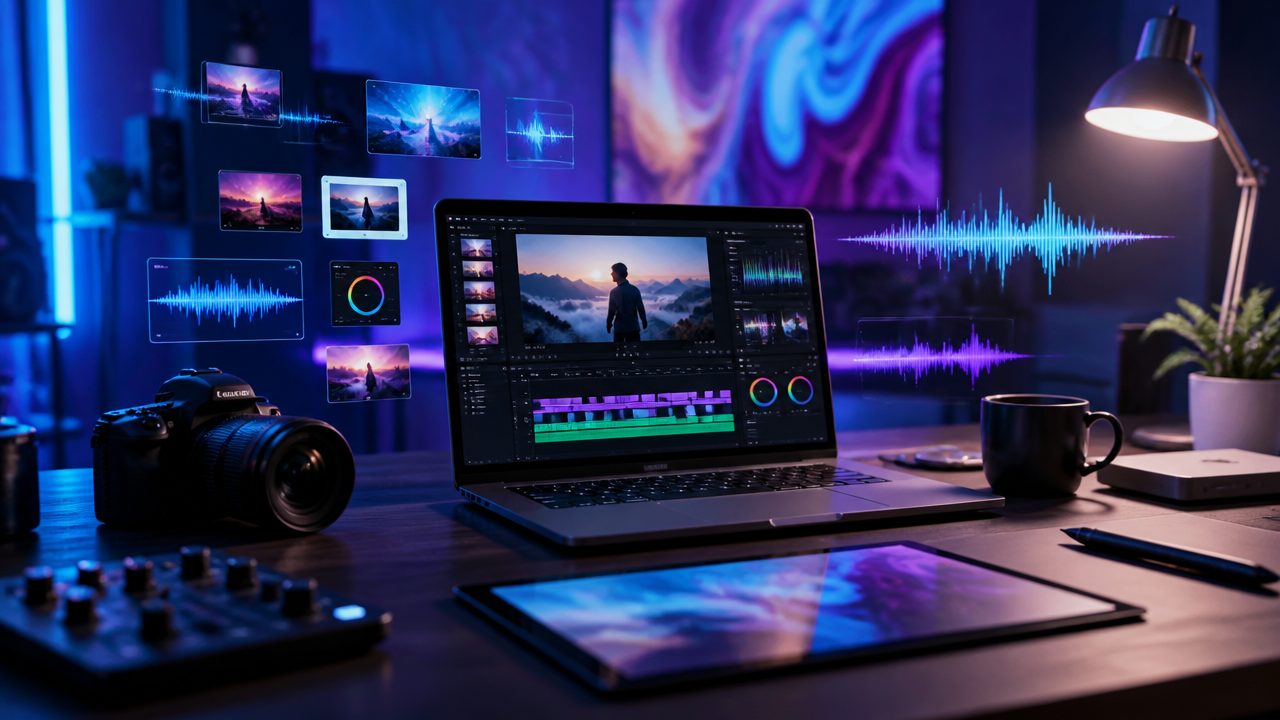
For image-to-video workflows specifically, MagicEditAI has a practical guide on how creators can turn AI images into professional videos with prompts.
Where Voice Cloning and AI Music Generation Fit
Voice Cloning belongs after script approval, not before. I like to lock the message first, then generate narration so the voice stays consistent across the main video, multilingual variants, character-led clips, and future updates.
Use a brand-safe process:
- Get clear consent from the speaker before cloning any voice.
- Save an approved voice profile for repeat campaigns.
- Create multilingual variants only after reviewing translations.
- Use character voices for fictional content, not impersonation.
- Keep an approval step before publishing.
AI Music Generation works the same way. Don’t add random background music at the end. Prompt it as part of the story.
Try prompts like:
- “Create a 30-second upbeat electronic intro track for a creator tool demo, clean percussion, optimistic mood, no vocals.”
- “Generate a soft ambient background loop for a course module, calm pace, light piano, warm texture.”
- “Create three 5-second transition stingers for a fast social ad, bright synths, crisp hits, modern creator-brand feel.”
- “Make a loopable 15-second track for vertical social clips, energetic but not distracting, light bass, clean rhythm.”
Single-Purpose AI Video Generation vs an All-in-One Workflow
Single-purpose tools are great when the job is narrow. But Content Creation rarely stays narrow for long.
| Workflow Type | Best For | Limitation |
|---|---|---|
| Avatar-only generator | Training, explainers, internal updates | May require separate tools for images, music, and advanced edits |
| Text-to-video model | Fast visual experimentation | Can need extra editing for brand consistency |
| AI Image Editor | Thumbnails, product visuals, scene assets | Doesn’t finish the full video alone |
| All-in-one Creative Tools platform | Video, images, voiceovers, music, and edits in one pipeline | Requires a clearer prompt plan upfront |
That’s where MagicEditAI fits well. It’s built for creators and digital artists who want video, image editing, voiceover, and music generation in one production flow instead of bouncing between five tabs.
Is an AI video generator free?
Some AI video tools offer free plans, free trials, or limited credits. The tradeoff is usually export quality, watermarks, usage limits, or fewer model options, so I treat free access as a testing phase rather than the final production setup.
Model Capability Trends to Watch in 2026
The creator tool market is moving fast. The most important capabilities to watch are:
- Image-to-video consistency, especially for product shots and recurring characters.
- Native vertical video, so you’re not cropping wide footage into awkward mobile frames.
- Higher-resolution outputs, including cleaner 1080p and 4K options for professional edits.
- Stronger character consistency, useful for branded avatars and recurring creator personas.
- Richer audio, including dialogue, sound design, and music generation.
- More direct timeline control, so creators can refine scenes instead of regenerating everything.
Google’s 2026 updates reflect that direction, with Veo 3.1 adding stronger image-to-video control, vertical output, and higher-resolution options, and Flow expanding toward a broader creative studio with video, image, editing, and music capabilities. (blog.google)
Publishing Checklist Before You Export
Before I publish any AI-assisted Media Production project, I run this checklist:
| Check | What to Review |
|---|---|
| Rights and consent | Voice permissions, avatar likeness, music usage, source images |
| Visual consistency | Colors, character appearance, product UI, backgrounds |
| Audio levels | Voice clarity, music volume, transition sounds |
| Captions | Accuracy, timing, readability on mobile |
| Thumbnail variants | At least 2 to 3 options for testing |
| Export formats | 16:9, 9:16, 1:1, plus platform-specific file settings |
| Repurposing plan | Main video, short clips, teaser, carousel, stills |
Conclusion
The best synthesia ai video generator prompt isn’t just a video prompt. It’s the first step in a complete production system. Start with the message, build the avatar scene, expand it with AI Image Editor assets, add Voice Cloning for consistency, use AI Music Generation for mood, and export platform-ready versions.
That’s how one idea becomes a full creator campaign.
Ready to make your first polished asset? Try the free trial on MagicEditAI to create your first edited image or AI-generated video.

 MagicEdit