Synthesia AI Video Generator Update: How Promptable Avatars, Outfits, and B-Roll Change AI Video Creation
- From Talking Heads to Avatars That Can Show the Work
- How to Prompt Outfits, Settings, Roles, and Brand Context
- Practical AI Video Prompts Creators Can Use
- Planning Avatar A-Roll and Avatar B-Roll Together
- Why Consistency Makes AI Presenter Video Feel Professional
- Where MagicEditAI Fits Into the New AI Video Workflow
- Prompt Limitations and QA Checks Before You Publish
- Conclusion
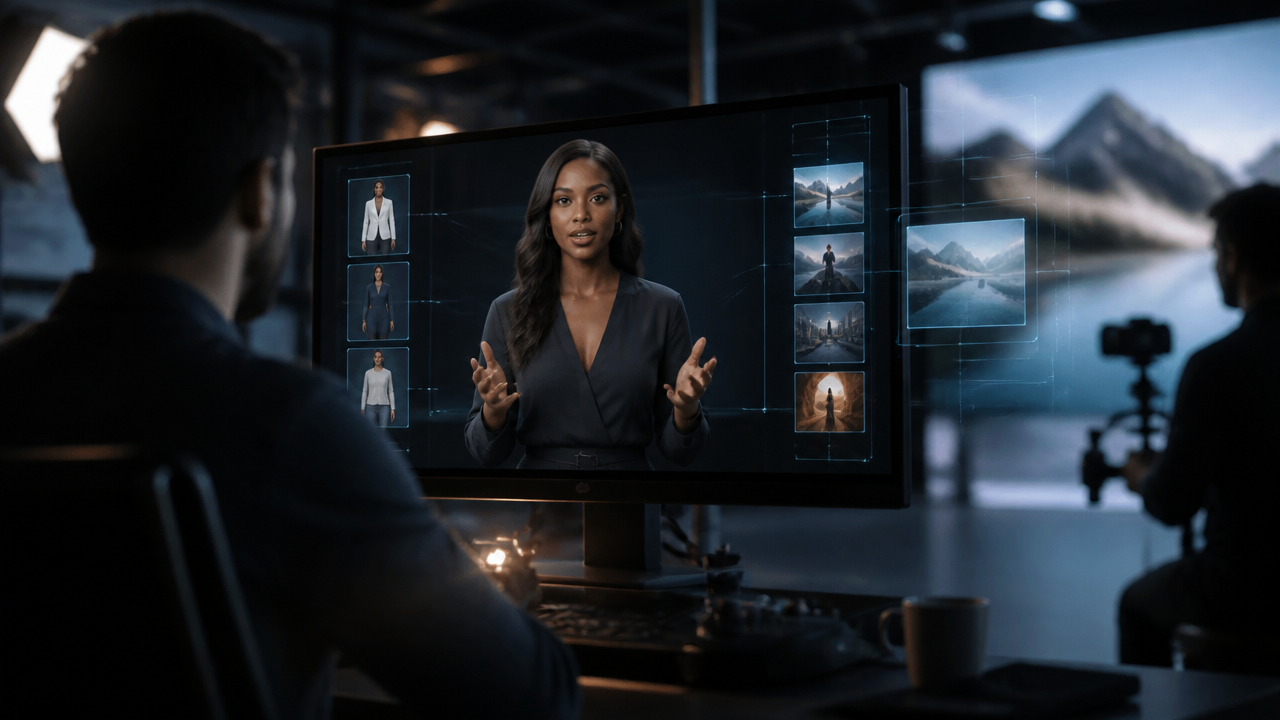
Synthesia’s latest avatar update points to a clear shift in the synthesia ai video generator category: avatars are moving from static presenters to promptable on-screen performers. Synthesia says its new Express-2-powered avatars can gesture like professional speakers, wear prompted outfits, appear in generated environments, and move into short action B-roll clips after delivering A-roll narration. Synthesia 3.0 also previews more interactive Video Agent-style experiences, which signals where AI presenter video may be heading next. (synthesia.io)
That matters for creators because the workflow is becoming less like “write a script, pick a talking head” and more like directing a small production with prompts.
From Talking Heads to Avatars That Can Show the Work
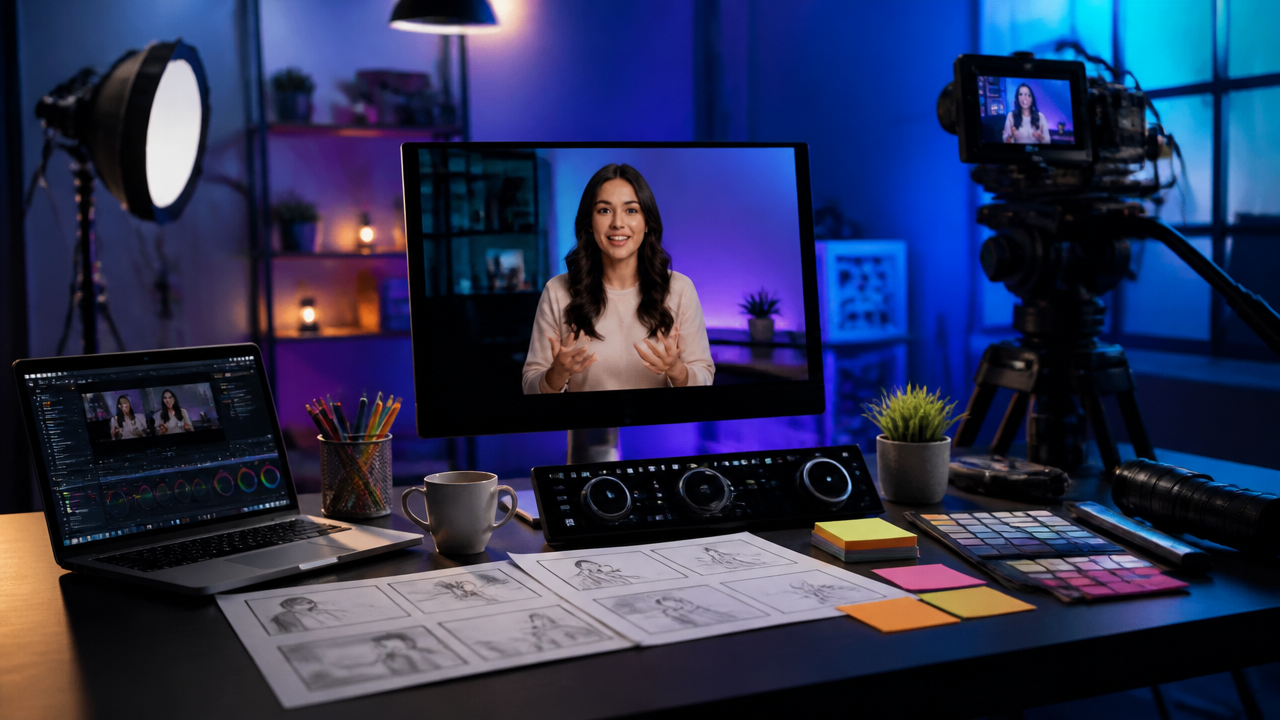
For years, avatar videos were mostly built around one format: a presenter faces the camera, reads a script, and maybe changes slides. That still works for explainers and announcements. But it gets thin when the viewer needs to see an action.
The new Synthesia direction changes the rhythm. An avatar can explain a concept, then the video can cut to action B-roll where the same visual identity reinforces the point. In Synthesia’s update, the company describes a workflow where creators set up the A-roll with a customized avatar and background, then prompt a short action clip such as walking to a whiteboard or placing an object on a table. (synthesia.io)
That’s a big creative unlock for:
- AI training videos where safety steps need visual reinforcement.
- AI product demos where a presenter introduces a feature, then a screen or action clip shows it.
- Internal comms, onboarding, sales enablement, and course content.
- Short-form educational content where every second needs to carry meaning.
This also reflects the broader influence of high-control video models. Google’s Veo 3 workflows popularized the idea that prompts can control motion, scene style, and native audio in a single generation pipeline, and creators are now expecting that same level of direction across their video tools. Google DeepMind describes Veo as supporting video generation with expanded creative controls, including native audio in Veo 3. (deepmind.google)
How to Prompt Outfits, Settings, Roles, and Brand Context
Promptable avatars work best when you stop writing vague instructions and start thinking like a director. Don’t just say, “make a business presenter.” Give the model the visual job.
A strong prompt usually includes:
| Prompt Element | What to Specify | Example |
|---|---|---|
| Role | Who the avatar is in the scene | “Construction site safety trainer” |
| Outfit | Clothing, accessories, and professional context | “High-vis vest, hard hat, steel-toe boots” |
| Environment | Location, lighting, and background | “Indoor warehouse training area with equipment racks” |
| Brand style | Colors, tone, and visual mood | “Blue and white brand palette, clean corporate lighting” |
| Logo placement | Where branding should appear | “Small logo on the back wall, not on clothing” |
| Scene context | What is happening before and after | “Presenter explains the rule, then demonstrates the safe lift” |
Here’s where prompt-based video editing gets practical: reusable visual rules save time. If your avatar wears the same outfit, stands in the same kind of environment, and uses the same tone across multiple clips, your video series feels intentional instead of stitched together.
If you’re comparing tools or building your first workflow, our guide to an AI Video Generator breaks down how these systems fit into real creator pipelines, including prompting, quality checks, rights, and brand safety.
Practical AI Video Prompts Creators Can Use
Below are five prompt examples you can adapt for AI video prompts. I’d treat these as starting points, then refine for your brand, audience, and platform.
| Use Case | A-Roll Prompt | B-Roll Prompt |
|---|---|---|
| Construction safety demo | “Create an AI presenter video with a safety trainer wearing a high-vis vest, white hard hat, clear safety glasses, and work boots. Place them in a clean construction training zone with yellow safety markings and neutral lighting. Tone: calm, direct, professional.” | “Show the same trainer demonstrating a safe ladder inspection, checking the feet, locking braces, and maintaining three points of contact. Keep the camera medium-wide and the environment consistent.” |
| SaaS product walkthrough | “Create a smart-casual product specialist in a navy blazer, standing in a modern office with soft blue lighting. The presenter introduces a dashboard feature for team reporting.” | “Cut to a close-up style product demo scene showing hands using a laptop to review charts and filter reports. Keep the interface generic, clean, and brand-safe.” |
| Fitness coaching clip | “Create a fitness coach in a clean studio, wearing black training gear with subtle green accents. The coach explains proper squat form in a motivating but safe tone.” | “Show the coach demonstrating one controlled bodyweight squat from a side angle, focusing on posture, knee alignment, and steady tempo.” |
| Fashion lookbook | “Create a fashion host in a minimal studio wearing a tailored cream outfit. The presenter introduces a capsule wardrobe concept for spring styling.” | “Show the same model walking slowly through a bright studio space, highlighting layered neutral textures and accessories. Use editorial lighting and a clean background.” |
| Medical explainer | “Create a healthcare educator in navy scrubs, standing in a bright clinic-style setting. The presenter explains how to prepare for a routine appointment in plain language.” | “Show a calm clinic preparation scene with a provider arranging basic supplies on a counter. Avoid needles, blood, diagnosis claims, and readable medical labels.” |
The key is to make the A-roll and avatar B-roll feel like two parts of one planned sequence, not two unrelated generations.
Planning Avatar A-Roll and Avatar B-Roll Together
The strongest AI videos still start with a storyboard. I like to plan each beat in pairs:
- Presenter explains the idea.
- Action clip proves or demonstrates it.
- Presenter returns with the takeaway.
For example, in a safety video, the presenter might say, “Before operating the machine, check the emergency stop button and confirm the floor is clear.” The B-roll then shows the trainer pointing to the stop button and scanning the floor area. That visual reinforcement helps the viewer remember the step.
This is where Express-2 avatars feel especially relevant. Synthesia says these avatars combine facial expression, lip sync, and natural hand and body gestures, with six new avatars designed to gesture like professional speakers. (synthesia.io)
Why Consistency Makes AI Presenter Video Feel Professional
Consistency is the difference between “cool AI clip” and “publish-ready video.” If one scene has a blue blazer, the next has a black hoodie, and the final clip has a totally different background, viewers notice.
Keep these details locked:
- Same avatar identity across the full video.
- Matching outfit and role-specific wardrobe.
- Similar framing, such as medium shot for all presenter scenes.
- Backgrounds that feel part of the same location or brand world.
- Tone of voice, pacing, and music style.
- Brand colors used with restraint.
This matters even more for multi-scene AI training videos and AI product demos, where trust depends on clarity. A consistent presenter makes the content feel guided. Random visual changes make the viewer work harder.
Where MagicEditAI Fits Into the New AI Video Workflow
Promptable avatars are powerful, but most creators don’t stop at generation. They still need polish.
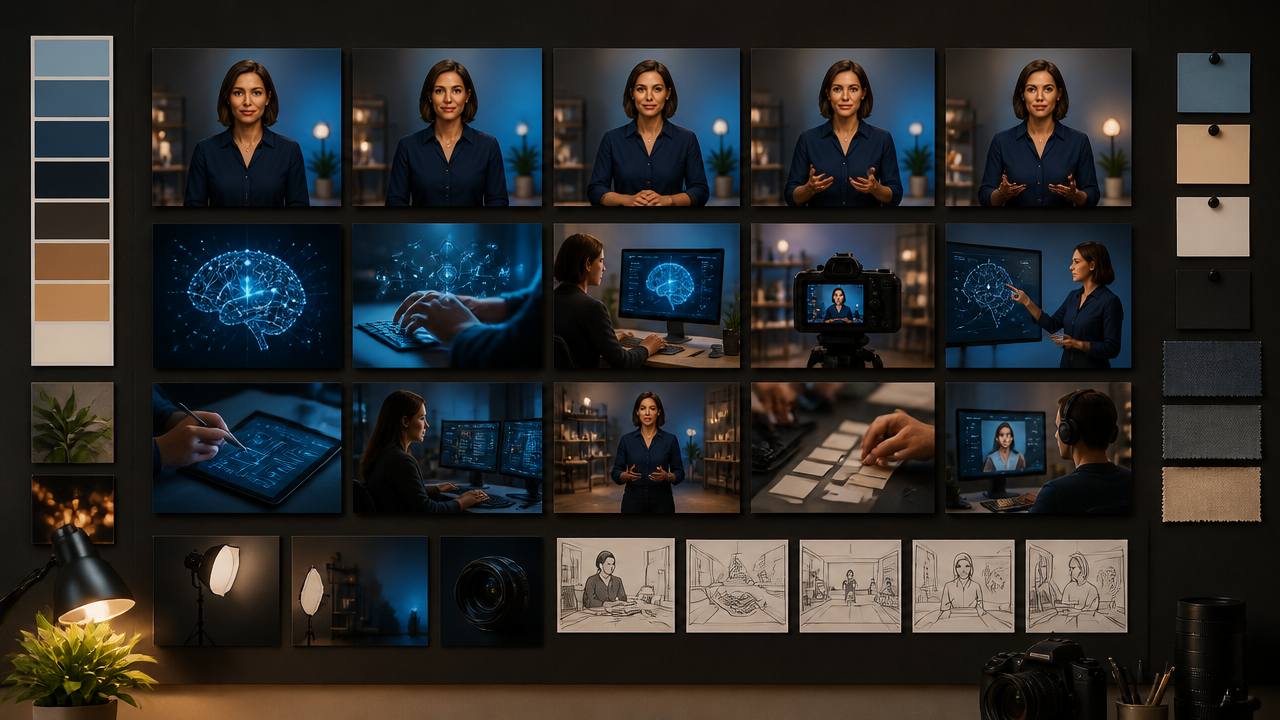
That’s where MagicEditAI fits naturally. You can use an all-in-one creative workflow to generate or refine visuals, edit images for thumbnails or scene assets, create voiceovers, add music, and make final video edits without bouncing between a dozen tools. For creators and digital artists, that means faster iteration from idea to export.
A practical MagicEditAI workflow could look like this:
| Production Stage | Creator Goal | MagicEditAI Role |
|---|---|---|
| Concept | Turn an idea into a visual direction | Draft prompts and scene plans |
| Visual assets | Build supporting images or backgrounds | Generate and edit images |
| Voice | Match tone and pacing | Create voiceovers or voice styles |
| Music | Add energy without overpowering speech | Generate background music |
| Final edit | Tighten timing, cuts, and polish | Assemble the finished AI-generated video |
The real win is momentum. When you can generate, edit, and refine in one creative environment, you spend less time managing files and more time shaping the final piece.
Prompt Limitations and QA Checks Before You Publish
Promptable video is moving fast, but quality control still matters. I’d never publish an AI-generated brand video without a final QA pass.
Check for:
- Hands and gestures: Look for warped fingers, awkward object handling, or unnatural motion.
- Logos: Confirm placement, proportions, colors, and whether the mark appears distorted.
- Fine text: Avoid relying on generated tiny text. Add important text in the editor afterward.
- Brand accuracy: Compare wardrobe, colors, tone, and setting against your brand guidelines.
- Safety: Be extra careful with medical, legal, financial, construction, and workplace training content.
- Consent: Use only approved voices, likenesses, logos, and identity references.
- Claims: Don’t let a polished AI presenter make unsupported promises.
For regulated or sensitive content, keep a human expert in the review loop. AI can speed up production, but it shouldn’t replace accountability.
Conclusion
The synthesia ai video generator update shows where AI video creation is headed: more direction, more action, and more control through prompts. Express-2 avatars, promptable outfits, generated scenes, and avatar B-roll make it easier to move beyond static explainers into videos that teach, demonstrate, and sell with stronger visual flow.
For creators, the opportunity is simple: write better prompts, plan A-roll and B-roll together, keep your visual identity consistent, and run a serious QA pass before publishing. Tools inspired by Veo 3 integration-style workflows and prompt-based video editing are raising expectations fast. The creators who learn to direct with prompts now will have a clear advantage.
Ready to turn prompts into polished creative work? Try the free trial on MagicEditAI to create your first edited image or AI-generated video.

 MagicEdit