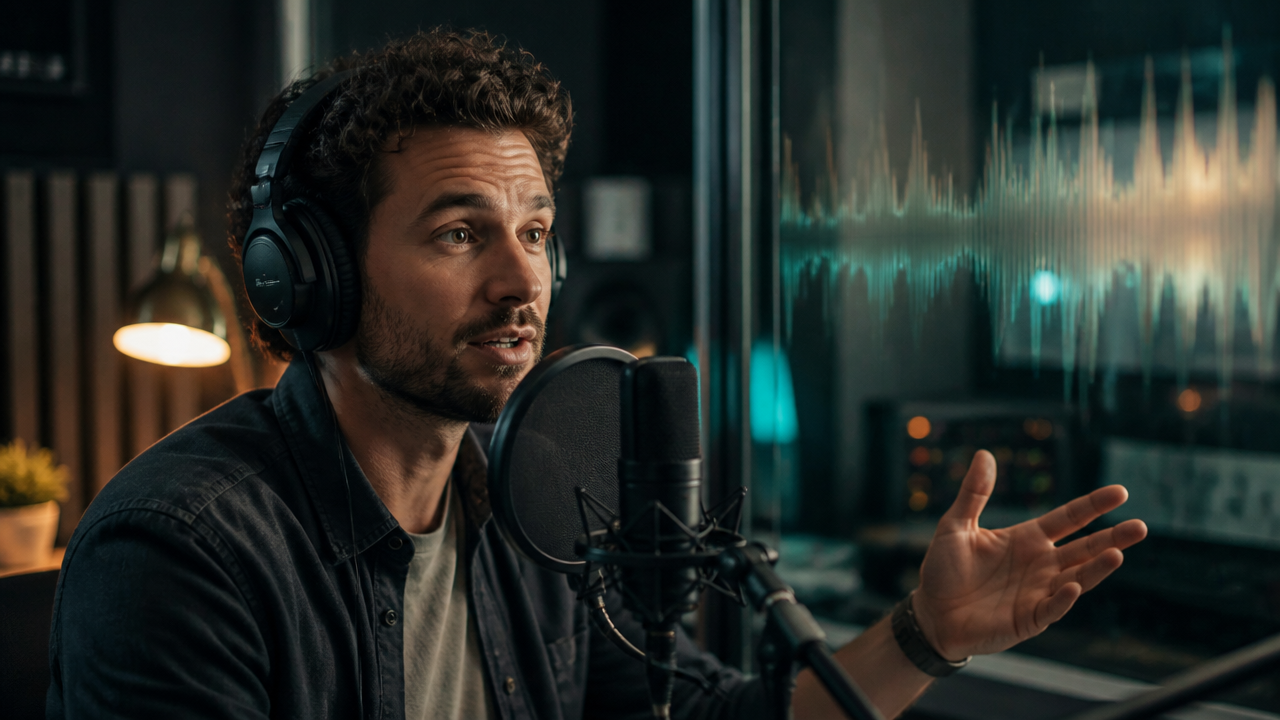
Voice Cloning for Creators: Prompt, Record, and Direct AI Voiceovers That Sound Like a Real Performance
Table of Contents
- Why Voice Cloning Is Moving From “Sounds Good” to “Performs Well”
- Instant vs. Professional Voice Cloning: Which One Should You Use?
- The Recording Checklist I Use Before Cloning a Voice
- Voiceover Script Prompts That Create a Real Performance
- Multilingual Voiceover and AI Dubbing Workflows
- Ethics, Consent, and Responsible AI Character Voices
- Build the Full Creator Workflow in MagicEditAI
- Conclusion
Why Voice Cloning Is Moving From “Sounds Good” to “Performs Well”
Voice Cloning is no longer just about copying a voice. For creators, the real win is directing that voice like a performance: warmer for tutorials, sharper for ads, softer for documentary narration, or bigger for character dialogue. Recent ElevenLabs documentation separates Instant Voice Cloning from Professional Voice Cloning, while Eleven v3 adds expressive text-to-speech features such as audio tags, multi-speaker dialogue, and broad language support for media workflows. You can see those capabilities in the official ElevenLabs voice documentation. (elevenlabs.io)
For creators using MagicEditAI, this matters because voice is only one layer. A polished video also needs timing, visuals, subtitles, background music, and fast edits. When those pieces live in one workflow, you can move from script to finished content without bouncing between five different tools.
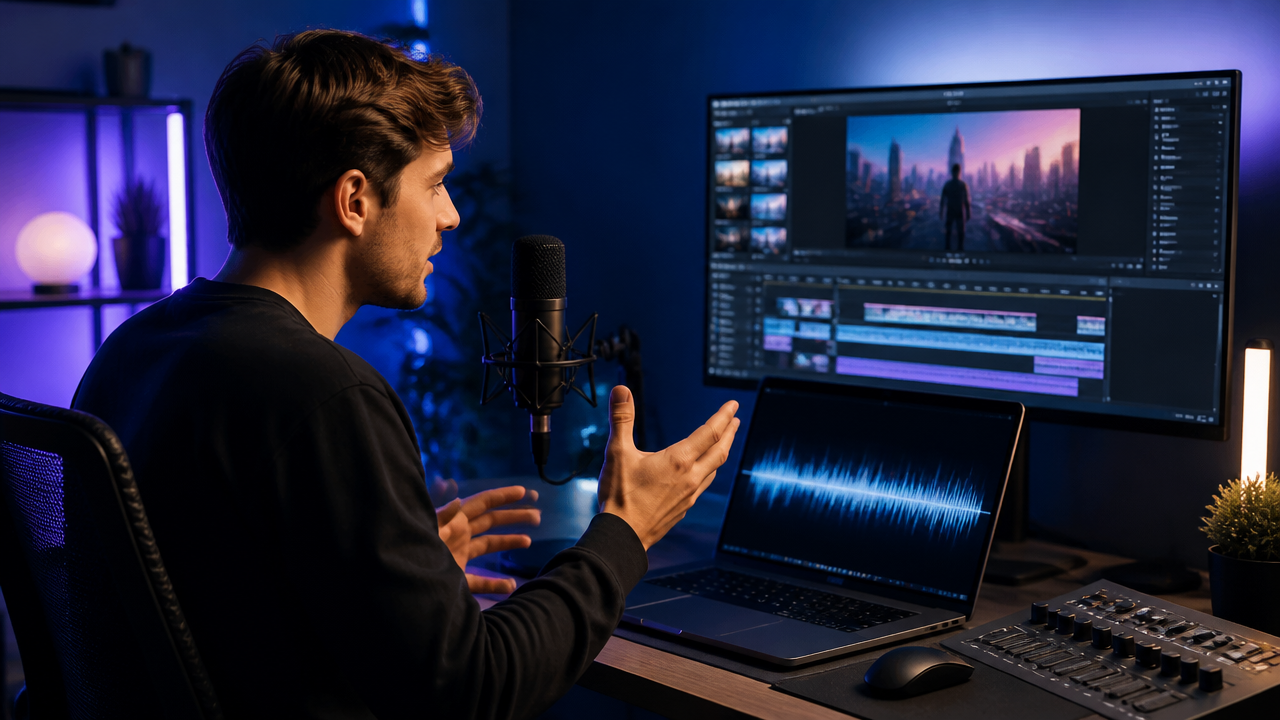
Instant vs. Professional Voice Cloning: Which One Should You Use?
I think about ElevenLabs voice cloning in two lanes: quick production and polished brand voice. Instant Voice Cloning is best when speed matters. Professional Voice Cloning is better when consistency, nuance, and fidelity matter across many videos.
| Option | Best for | Input style | Creator use case | Tradeoff |
|---|---|---|---|---|
| Instant Voice Cloning | Fast tests, drafts, social clips | Shorter voice samples | Shorts, rough ad reads, tutorial prototypes | May struggle with unique accents or highly distinctive voices |
| Professional Voice Cloning | Higher-fidelity brand voice | More training audio | Course narration, recurring YouTube voiceovers, ad campaigns, dubbing | Takes more prep and cleaner source material |
| AI character voices | Fictional voices and role-based narration | Prompted or designed voice | Games, skits, explainer characters, animated dialogue | Needs strong direction to avoid flat delivery |
ElevenLabs describes Instant Voice Cloning as a faster option using short samples, while Professional Voice Cloning uses extended training audio for higher fidelity. Its Professional Voice Cloning docs also recommend significantly more spoken audio for better accuracy. (elevenlabs.io)
My rule is simple: use Instant Voice Cloning when you’re validating the idea. Use Professional Voice Cloning when the voice becomes part of the brand.
The Recording Checklist I Use Before Cloning a Voice
A cloned voice is only as strong as the recording you feed it. If the source audio has echo, music, background noise, or inconsistent delivery, those problems can show up later in the generated voice.
| Checklist item | What to do | Why it matters |
|---|---|---|
| Clean room | Record in a quiet, soft-furnished space | Reduces echo and room tone |
| Consistent mic distance | Stay the same distance from the mic throughout | Keeps volume and tone stable |
| No background music | Record dry voice only | Music can confuse the clone |
| One speaker | Use only the target speaker’s voice | Prevents mixed vocal identity |
| Target language | Record in the language or accent you need most | Improves pronunciation and rhythm |
| Consistent delivery style | Pick one style: calm, energetic, formal, playful | Helps the AI learn a usable performance baseline |
I also recommend recording 2 or 3 emotional passes: neutral narration, upbeat explanation, and slower emphasis. That gives you more performance range later, especially if you plan to create tutorials, ads, and character dialogue from the same voice.
Voiceover Script Prompts That Create a Real Performance
A flat script usually creates a flat read. The fastest upgrade is adding performance direction directly into the script. Eleven v3 prompts and similar expressive models can respond to cues like pauses, laughter, whispers, excitement, sighs, pace, and scene context. ElevenLabs’ text-to-dialogue documentation notes that emotional context in the text can influence delivery, and v3 supports non-speech audio events for expressive dialogue. (elevenlabs.io)
Here are prompt templates I’d use in a creator workflow:
| Style | Prompt template |
|---|---|
| Warm educator | “Read in a warm, clear teaching voice. Medium pace. Add a small pause after each key idea. Emphasize practical steps without sounding salesy.” |
| Dramatic trailer | “Deliver with cinematic tension. Start low and controlled, build intensity line by line, pause before the final phrase.” |
| Calm product demo | “Use a calm, confident product walkthrough tone. Keep the pace steady. Emphasize benefits, not hype.” |
| High-energy short-form hook | “Open fast and bright. Sound excited, but controlled. Hit the first sentence like a scroll-stopping hook.” |
| Documentary voice | “Read with measured curiosity. Slightly slower pace. Add thoughtful pauses after historical or emotional details.” |
| Character dialogue | “Speaker A is nervous but trying to sound brave. Speaker B is amused and relaxed. Use natural interruptions and short pauses.” |
A practical script might look like this:
[softly] I didn’t expect the room to be empty. [pause] But then I heard it, a single footstep behind me. [whispers] And I knew I wasn’t alone.
For ads, I’d keep direction tighter:
Bright, confident pace. Emphasize “in minutes.” Short pause before the call to action. End with a friendly upward tone.
Multilingual Voiceover and AI Dubbing Workflows
AI dubbing gets tricky when a creator wants the same brand voice in multiple languages. The goal isn’t just translation. It’s rhythm, pronunciation, accent fit, and emotional intent.
For multilingual voiceover, I’d use this workflow:
- Lock the original script and performance direction.
- Translate for meaning, not word-for-word matching.
- Add pronunciation notes for brand names, product terms, and names.
- Generate a test line before dubbing the full video.
- Adjust pacing so the new voice matches scene timing.
- Review with a native speaker when quality matters.
If you’re producing localized videos at scale, our guide to multilingual video localization prompts is a useful next read because it covers dubbing structure, language variants, and prompt patterns.
The biggest mistake I see is assuming one cloned voice will sound equally natural in every language. Accent fidelity depends on the model, the source voice, and the target language. Test first, then scale.
Ethics, Consent, and Responsible AI Character Voices
Voice Cloning has to be handled with care. Clone only voices you own or have clear permission to use. If you’re working with actors, clients, employees, or collaborators, document consent before training or publishing synthetic audio.
My baseline rules are:
- Get written permission for the voice and intended use.
- Keep records of who approved the clone, when, and for which projects.
- Avoid impersonating public figures or private individuals without authorization.
- Label synthetic audio when the context could mislead viewers.
- Use fictional AI character voices for fictional roles, not deceptive identity swaps.
This protects your audience, your collaborators, and your brand.
Build the Full Creator Workflow in MagicEditAI
The best voiceover still needs the right scene around it. That’s where MagicEditAI fits naturally: generate the voice, edit the timing, create supporting visuals, add music, and assemble the final video in one streamlined production flow.
For example, a creator can:
- Write a 30-second tutorial script.
- Generate a calm product demo voiceover.
- Create AI video scenes or edit existing footage.
- Add background music that stays under the narration.
- Trim pauses to match the visuals.
- Export a polished short, ad, or tutorial.
If you’re building bigger productions, I’d also read our guide to the new AI video stack, which connects avatars, native audio, voice cloning, and AI music into one production checklist.
Compared with standalone TTS tools, avatar generators, or traditional audio editors, MagicEditAI is built for creators who want fewer handoffs. You don’t just make a voice file. You turn that voice into finished media.
Conclusion
Voice Cloning works best when you treat it like directing a performer, not pressing a button. Start with clean recordings, choose Instant Voice Cloning for fast drafts, move to Professional Voice Cloning for brand-level quality, and write prompts that include emotion, pace, pauses, and context.
For creators making narration, ads, tutorials, shorts, AI dubbing, multilingual voiceover, or AI character voices, the workflow is clear: prompt the performance, generate the voice, match it to the visuals, then polish the full piece with music and timing edits.
Try the free trial on MagicEditAI to create your first edited image or AI-generated video.

 MagicEdit