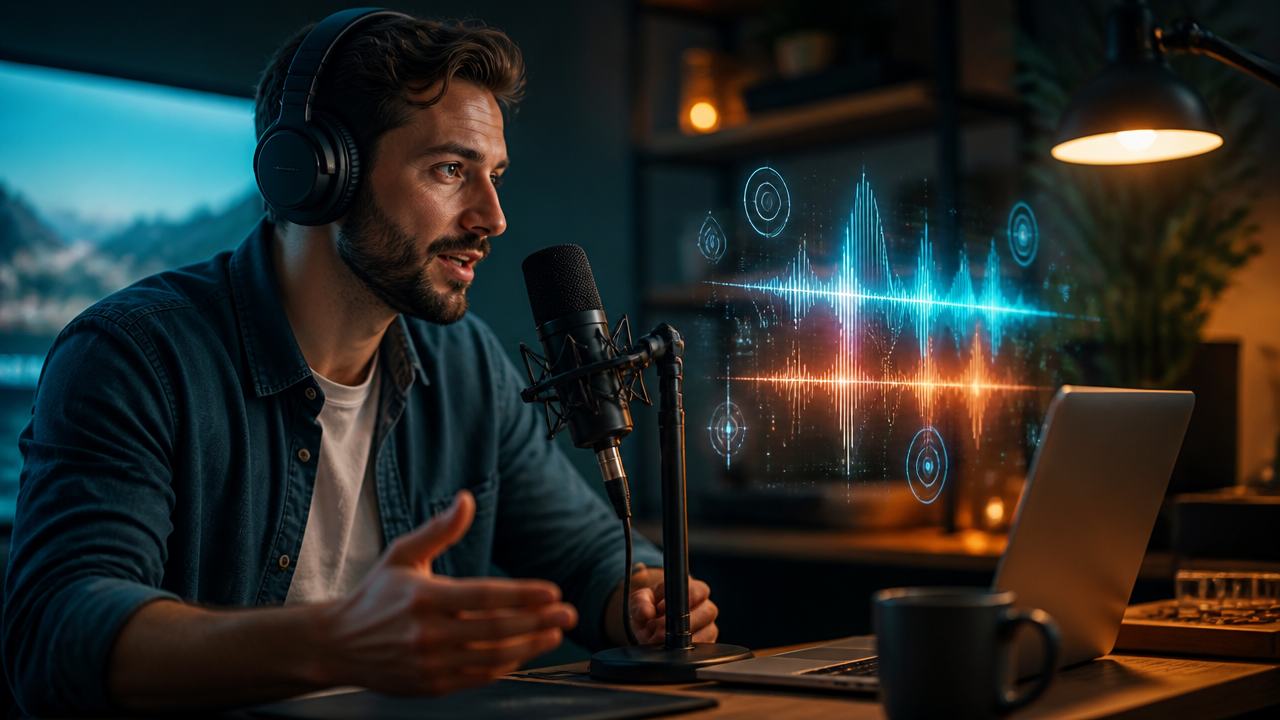
Voice Cloning Prompts for Creators: How to Generate Studio-Quality AI Voiceovers for Videos, Ads, and Social Content
Table of Contents
- Why Voice Cloning Matters for Modern Creators
- How Voice Cloning Prompts Shape the Performance
- Prompt Templates for Creator Workflows
- A MagicEditAI-Style Workflow for AI Voiceovers
- New Voice Model Capabilities to Watch
- Ethical and Legal Best Practices
- Editing Tips for Cleaner AI Voice Content
- Conclusion: Your AI Voice Production Checklist
Recent advances in generative AI have made voice cloning faster, more expressive, and easier to direct. For creators, that means AI voiceover work no longer has to feel stiff or generic. With the right prompt, you can guide tone, pacing, accent, emotion, and delivery style for YouTube narration, product ads, social clips, multilingual dubbing, and branded audio inside one media production workflow.
Why Voice Cloning Matters for Modern Creators
Voice cloning uses AI models to recreate the sound and performance qualities of a voice from a reference sample. Modern systems can learn patterns such as tone, pacing, accent, breath rhythm, emotional color, and pronunciation style, then apply those patterns to new scripts. Research and commercial audio model updates have pushed the field toward more controllable speech generation, including better steerability and multilingual voice output. (openai.com)
For creators, the practical value is simple: you can produce consistent narration without booking a studio every time. A YouTuber can keep the same channel voice across weekly uploads. A brand can create ad reads that feel recognizable. A digital artist can build character voices for game trailers, short films, or animated explainers.
The best part is control. A plain script tells the AI what to say. A strong voice prompt tells it how to perform.
How Voice Cloning Prompts Shape the Performance
A good AI voiceover prompt works like a mini creative brief. I like to include six details before generating audio:
| Prompt Detail | What It Controls | Example Direction |
|---|---|---|
| Mood | Emotional feel | Confident, warm, suspenseful, calm |
| Speed | Speaking pace | 85% speed for meditation, 110% for social ads |
| Emphasis | Key words or phrases | Stress “limited-time offer” lightly |
| Audience | Listener expectation | Beginners, executives, gamers, parents |
| Pronunciation | Names, brands, technical terms | “MagicEditAI” pronounced clearly as three parts |
| Delivery style | Performance format | Documentary narrator, friendly teacher, character dialogue |
If you want more direction on performance-focused prompting, MagicEditAI’s guide to prompting and directing AI voiceovers is a useful companion piece.
Prompt Templates for Creator Workflows
Here are practical prompt templates you can adapt inside an AI video generator, voice editor, or all-in-one creative tools platform like MagicEditAI.
| Use Case | Prompt Template |
|---|---|
| YouTube narration | “Create an AI voiceover in a confident, friendly educator tone. Speak at a steady pace for a creator audience. Add light emphasis to key takeaways. Keep the energy helpful, not salesy.” |
| Product ad | “Generate an energetic ad read with crisp pacing and polished commercial delivery. Emphasize the product benefit, keep pauses short, and make the final call-to-action sound confident.” |
| Podcast intro | “Use a warm host voice with a premium podcast feel. Medium-low energy, smooth pacing, clear pronunciation, and a welcoming tone that sets up the episode.” |
| Explainer video | “Read like a patient instructor explaining a creative workflow to beginners. Use natural pauses after each step and make technical terms sound approachable.” |
| Game character | “Perform as a dramatic fantasy commander. Deep tone, controlled intensity, slower pacing, and strong emotional weight on conflict lines.” |
| Social media reel | “Create a punchy, fast-paced voiceover for a 30-second vertical video. Keep the tone upbeat, clear, and creator-friendly. Add energy to the first sentence.” |
For professional styles, I keep a small prompt bank ready:
- Cinematic narrator: “Low, measured, cinematic delivery with suspenseful pauses and a documentary trailer feel.”
- Friendly educator: “Clear, warm, upbeat, and patient, as if teaching a useful shortcut.”
- Energetic ad read: “Bright, confident, quick pace, with a polished brand campaign sound.”
- Calm meditation voice: “Soft tone, slow pacing, gentle pauses, and relaxed breathing.”
- Dramatic character dialogue: “Emotional, theatrical, expressive, with clear shifts between tension and resolve.”
A MagicEditAI-Style Workflow for AI Voiceovers
The fastest workflow is the one that keeps your script, audio, visuals, music, and exports in one place. Here’s how I’d build a polished creator asset in MagicEditAI:
- Generate the script. Start with a prompt for the format: “Write a 45-second product explainer for creators who want faster video editing.”
- Clone or create the voice. Use a clean reference sample if you have permission, or choose a brand-safe AI voice that fits the project.
- Direct the performance. Add mood, speed, audience, pronunciation notes, and delivery style.
- Generate the video. Pair the narration with AI-generated scenes, product shots, avatars, or visual assets.
- Sync voice and video. Trim pauses, align key phrases with scene cuts, and make sure the hook lands in the first few seconds.
- Add AI music. Choose background music that supports the voice instead of competing with it.
- Export for the channel. Create versions for YouTube, ads, TikTok, Instagram Reels, or landing pages.
If you’re building a full video stack, this article on AI avatars, native audio, voice cloning, and AI music generation connects the voice workflow to broader media production.
New Voice Model Capabilities to Watch
Voice models are moving quickly. OpenAI’s audio model updates, for example, highlight stronger speech-to-text performance and more steerable text-to-speech, while research models continue to focus on multilingual generation, speaker consistency, and cross-lingual voice cloning. (openai.com)
Creators should watch these capabilities closely:
- Emotional variation: One voice can shift from excited to serious without sounding like a different speaker.
- Multilingual dubbing: A creator can localize one video into several languages while keeping the brand voice consistent.
- Real-time preview: Faster auditioning means fewer wasted renders.
- Cleaner pronunciation: Better handling of names, acronyms, product terms, and technical language.
- Long-form consistency: Useful for courses, audiobooks, podcasts, and serialized content.
Ethical and Legal Best Practices
Voice cloning is powerful, so consent matters. Only clone a person’s voice when you have clear permission, and avoid impersonating public figures, employees, customers, or competitors. The FTC has warned about AI-enabled voice cloning harms and impersonation risks, while the Partnership on AI’s synthetic media framework emphasizes consent, disclosure, and transparency. (ftc.gov)
In practice, I’d follow these rules:
- Get written consent before cloning a real person’s voice.
- Label synthetic voice content when the audience could reasonably be confused.
- Use original or licensed brand voices for commercial work.
- Never create fake endorsements, fake emergency messages, or deceptive ads.
- Keep voice assets organized so your team knows what is approved.
Editing Tips for Cleaner AI Voice Content
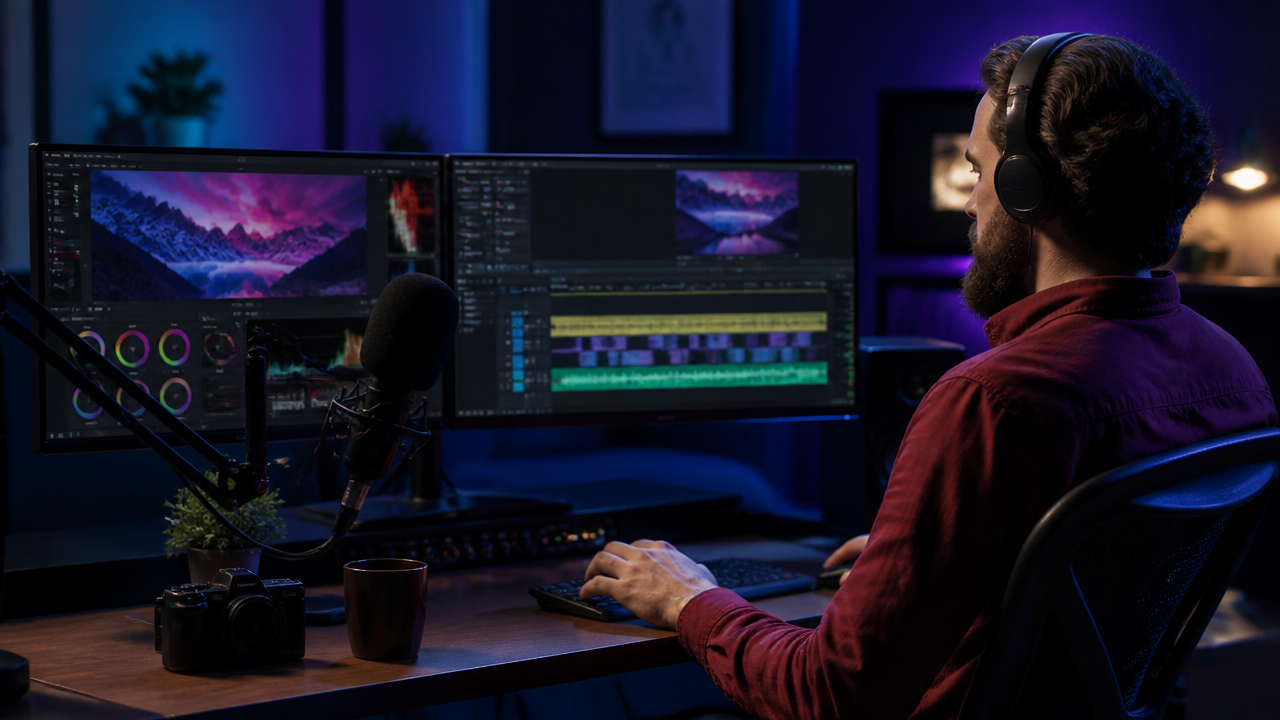
Great AI voice content usually comes from small edits, not one giant generation. Break scripts into shorter segments of 10 to 20 seconds. This makes it easier to regenerate one weak line without affecting the whole video.
Add pronunciation guides for brand names, creator handles, technical terms, and unusual words. If the voice rushes, insert pause notes like “brief pause” or “one-beat pause.” For emotional reads, don’t just write “sound emotional.” Be specific: “quiet confidence,” “controlled excitement,” or “gentle reassurance.”
Voice editing also improves when you mix with intention. Lower the background music during important lines. Use a warmer track for educational content, a tighter beat for ads, and softer ambient sound for meditation or wellness clips.
Conclusion: Your AI Voice Production Checklist
Before you export, run through this quick checklist:
- Script is written for the platform and video length.
- Voice cloning sample is clean, approved, and brand-safe.
- Prompt includes mood, speed, emphasis, audience, pronunciation, and style.
- AI voiceover is split into short, editable sections.
- Video, captions, music, and voice are synced.
- Multilingual dubbing versions are checked by a fluent speaker when possible.
- Synthetic voice use is disclosed when appropriate.
- Final export matches the format for YouTube, ads, reels, or social content.
Ready to create faster with one integrated AI toolset? Try the free trial on MagicEditAI to create your first edited image or AI-generated video.

 MagicEdit